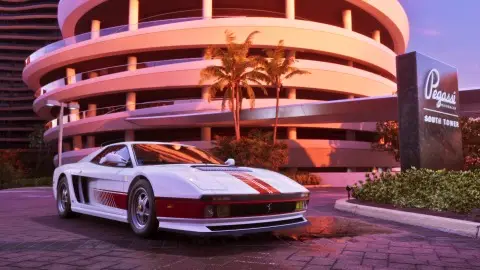
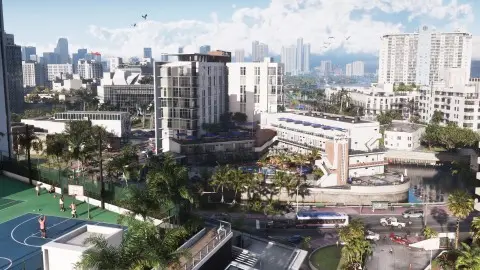
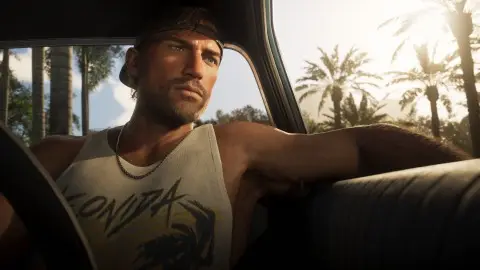
To turn off motion blur in GTA 6, pause, go to Settings, then the Display tab, and drag Motion Blur Strength down to 0. The slider runs from 0 to 10 and starts at 3, Push Square reports (Push Square), and AllThingsHow lists the same default (AllThingsHow). Whether you should is another matter. At 30 FPS, a bit of blur makes camera turns look smoother, and Digital Foundry reportedly ran most of its Xbox capture at 10.
How to change motion blur#
- Press Options (PS5) or Menu (Xbox) to pause.
- Open Settings and move to the Display tab.
- Scroll to the Visual Effects group and select Motion Blur Strength.
- Move it left to lower the blur, or right to raise it. 0 is the bottom.
Which value to pick#
| Strength | What you get | Good for |
|---|---|---|
| 0 | The sharpest picture in motion, but camera turns can look steppy | Sharpness first, or if blur makes you feel sick |
| 1 to 2 | A little blur, mostly sharp | A middle ground on a large or OLED TV |
| 3 (default) | Rockstar's choice. Camera turns can still look a little choppy, Push Square says | Leave it if you don't notice anything |
| Higher, up to 10 | Heavy blur that hides the judder of 30 FPS | Smoothest feel. Digital Foundry found 10 the most pleasing on Xbox, as reported |
Our pick: try 3, then turn the camera quickly while driving. If it looks juddery, go up a few steps. If the city looks smeared when you look around, go down.
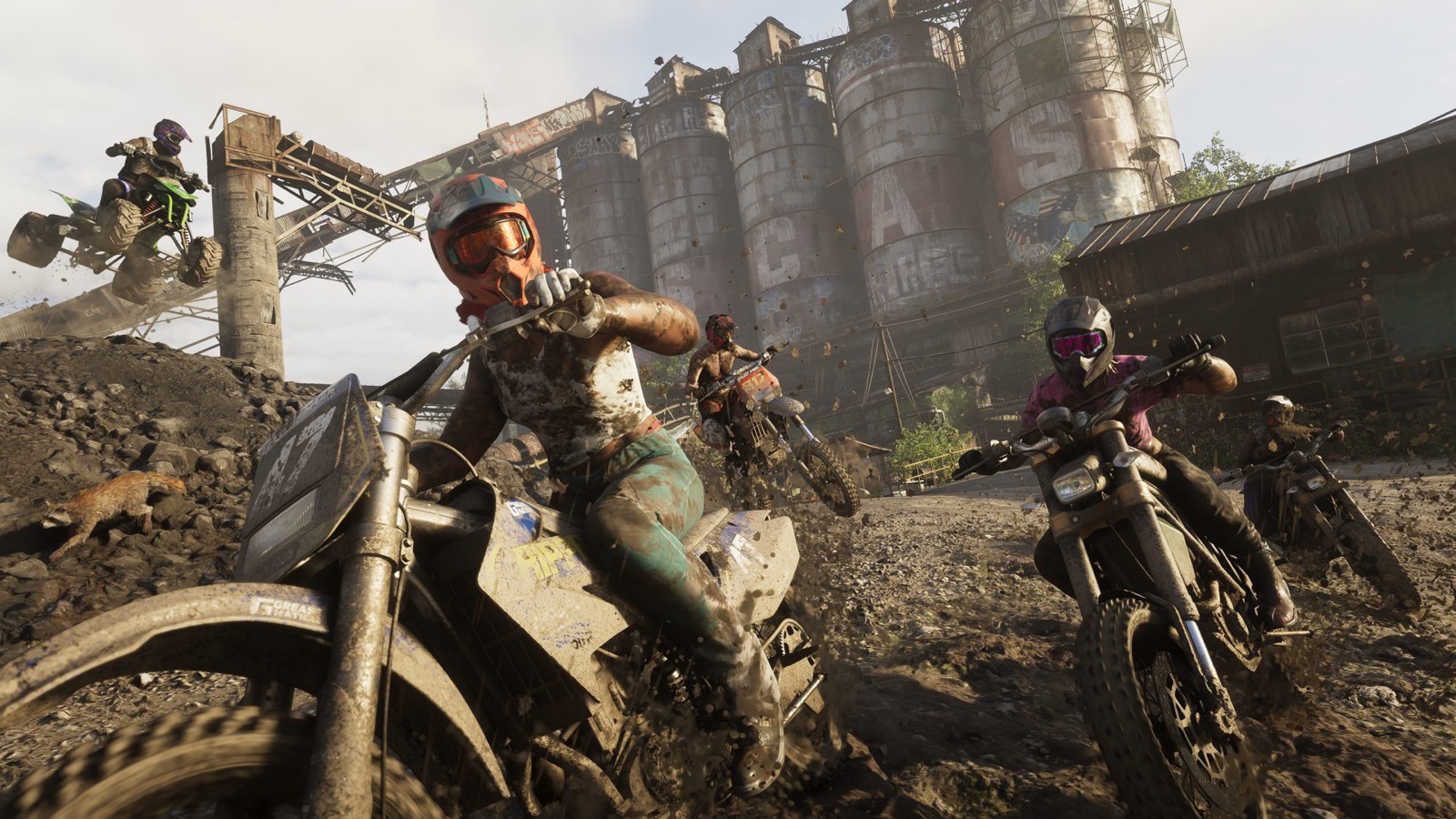
Does motion blur change performance#
No source has measured a frame rate difference between blur settings. It changes how motion looks, not how many frames you get. GTA 6 targets 30 FPS on every console either way, see GTA 6 FPS boost.
Film grain and other effects#
There's no film grain option in the Display tab as it's been listed so far, and no depth of field or chromatic aberration switch either. The other effects you can turn down sit in the same Visual Effects group, per AllThingsHow:
| Option | Default | What it does |
|---|---|---|
| Player Status Effects Intensity | 5 | Screen effects when you're hurt or affected |
| Hit Effects Intensity | 5 | Effects when you take a hit |
| Awareness Effects Intensity | 5 | Effects when you're spotted |
| Flashbang | Bright | How harsh flash effects are |
Camera Shake and Camera Bob, which also make the screen busy, are in the Camera tab, see camera settings.
If it still stutters#
Motion blur can hide judder, but it can't fix real frame drops. Those come in big fights and chases on every console, Digital Foundry found. See stuttering and frame drops, and for the rest of the menu, GTA 6 best settings.
FAQ#
Should motion blur be on or off in GTA 6?
On, at a low or medium value, if 30 FPS camera turns bother you. Off if you want the sharpest picture. Players are split, and there's no wrong answer.
How do you turn off motion blur in GTA 6?
Pause, open Settings, go to the Display tab and set Motion Blur Strength to 0.
What is the default motion blur in GTA 6?
3, on a slider that goes from 0 to 10.
What is the best motion blur setting for GTA 6?
Start at 3. Go higher for a smoother feel at 30 FPS, as Digital Foundry reportedly did at 10 on Xbox, or lower for sharpness.
Does GTA 6 have film grain?
There's no film grain option in the Display settings listed so far, so there's nothing to turn off.