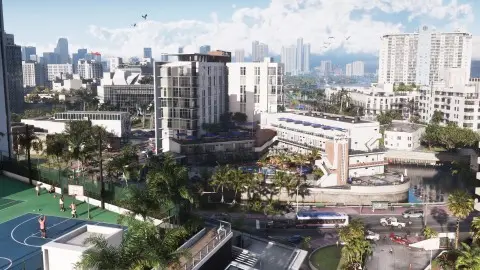
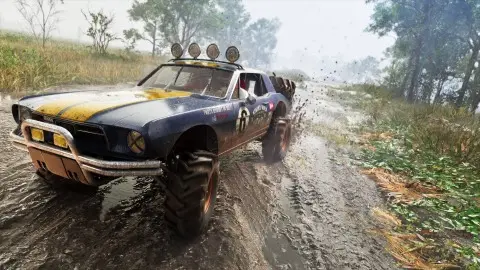
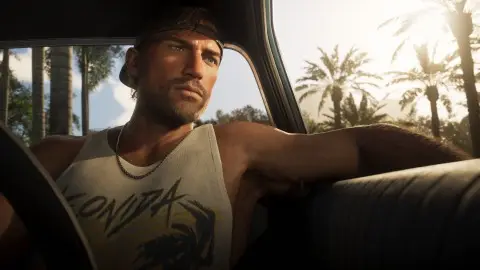
For a steadier, easier-to-follow camera in GTA 6, turn Camera Shake off and lower Camera Bob from its default of 10. Both are in the pause menu under Settings, Camera, in the Comfort group. GamingBolt recommends switching shake off if intense action makes you queasy or hard to follow (GamingBolt). If the camera sits too close or too low, change Height (On Foot) and Height (All Vehicles), which both start at Medium.
Every Camera tab option#
Names and defaults are from AllThingsHow's lists of the PS5 menu (first settings, accessibility), a single source, so treat them as reported.
| Option | Default | What it does | Our pick |
|---|---|---|---|
| Height (On Foot) | Medium | How high the camera sits behind you on foot | Try the others for a minute each, then keep what feels right |
| Height (All Vehicles) | Medium | The same, in cars, bikes and boats | Higher if traffic ahead is hard to see |
| Horizontal Follow Speed | 10 | How fast the camera swings round behind you | Lower if the camera feels twitchy |
| Vertical Follow Speed | 10 | How fast it settles up and down | Lower if hills and jumps jolt the view |
| Camera Shake | On | Shake from impacts, crashes and explosions | Off |
| Weapon Sway | On | Gun movement while aiming | On, unless it makes you feel sick |
| Camera Bob | 10 | Up-and-down motion while walking and running | 3 to 5, or lower if you get motion sick |
Kill and crash cameras#
GTA 6 has a cinematic kill shot camera and a vehicle crash camera that slow the action down for a moment. Their intensity goes up to 5, and you can lower it if the slow motion gets in the way, GamingBolt reports. The slow-motion Focus aim, on L3 + R3, is separate and stays.
Things the camera can't do#
- No field of view slider. None of the menu lists published so far include one.
- No full first-person mode. You can look in first person when standing still, aiming with optics or holding your phone, see first-person mode.
- No separate camera presets. You build the view from the rows above.
For motion sickness#
- Camera Shake off and Camera Bob low, as above.
- Persistent Center Dot in the UI tab, under Reticle. The game says it may help with motion sickness, according to AllThingsHow.
- Motion Blur Strength in the Display tab, see motion blur.
- The full accessibility list is in accessibility settings.
If it still stutters#
A jerky camera is often the 30 FPS frame rate, not a camera setting. Raising motion blur hides some of it, and on Xbox a 120 Hz output with VRR smooths the dips, see GTA 6 FPS boost. If it hitches everywhere, see stuttering and frame drops. The rest of the menu is in GTA 6 best settings.
FAQ#
What are the best camera settings in GTA 6?
Camera Shake off, Camera Bob lowered to around 3 to 5, and the two Height settings set to what you like. Leave follow speed at 10 unless the camera feels twitchy.
How do you turn off camera shake in GTA 6?
Pause, open Settings, go to the Camera tab and set Camera Shake to Off in the Comfort group.
How do you change the camera angle in GTA 6?
Change Height (On Foot) and Height (All Vehicles) in the Camera tab. Both start at Medium. There's no field of view slider.
Why is the GTA 6 camera too close?
Medium height is the default. Try another Height setting in the Camera tab, on foot and in vehicles separately.
Can you turn off the slow-motion kill camera?
You can turn its intensity down in the settings, GamingBolt reports. It goes up to 5.