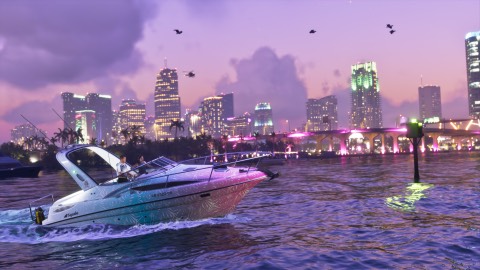
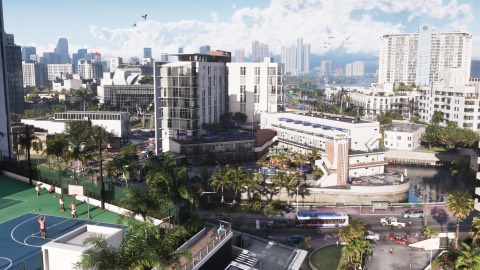
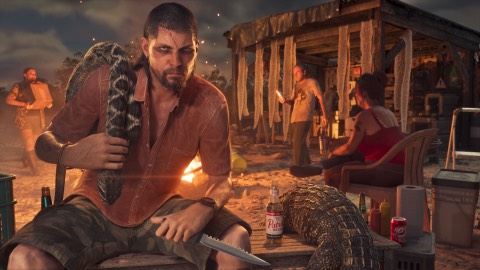
There's no performance or 60 FPS mode in GTA 6 on any console, the reviews confirm. It runs at a 30 FPS target everywhere. Digital Foundry measured about 1440p before upscaling on PS5 and PS5 Pro, with dips to 23 FPS on a base PS5 in heavy action (AltChar on Digital Foundry). PS5 Pro adds PSSR upscaling and ray-traced shadows.
Settings worth changing#
- Aiming. Aim assist is light by default, The Outer Haven found. If gunfights feel hard, turn up lock-on in the controls settings.
- Controls preset. Default, Classic or Left-Handed, see controls.
- Subtitles and captions. Closed captions for sounds as well as speech are available.
- Haptics and adaptive triggers on the DualSense can be turned down in the accessibility options.
- Accessibility. The Outer Haven lists Auto Drive, input assists, text size, high-contrast shaders, menu narration and audio description for cutscenes, spread across the menus rather than in one tab (review).
- There's no difficulty setting.
The console side, HDR calibration and TV game mode, still matters most, see below.
Before launch: what we expected#
This is what we wrote before launch. The console and TV advice still applies.
GTA 6 targets 30 FPS on PS5, PS5 Pro, Xbox Series X and Xbox Series S, and Rockstar hasn't named a performance mode. So the settings that matter most are on your console and your TV, not a frame rate toggle in the game. Those you can set tonight, before it unlocks. The in-game menu hasn't been shown yet, and the second half of this page is our guess at what's in it, based on GTA V and Red Dead Redemption 2.
The short version
| Setting | Where | What to pick |
|---|---|---|
| HDR | Console settings | On, if your TV supports it, then run the console's HDR calibration |
| TV picture mode | TV menu | Game mode, for the lowest input lag |
| Game preset (PS5) | PS5 settings | Doesn't change GTA 6's 30 FPS, leave it as you like |
| PS5 Pro extras | Nothing to set | PSSR and ray-traced shadows are on by Rockstar's design |
| Aim assist | In game, our guess | Full assist to start, free aim once you're comfortable |
| Subtitles | In game, our guess | On, the street chatter is fast |
Console settings to check tonight
PS5. Go to Settings, Screen and Video, Video Output. Set HDR to On When Supported, then use Adjust HDR and follow the three screens. If you have a 4K TV, make sure 4K output is allowed there too.
Xbox Series X and Series S. Go to Settings, General, TV and display options. Allow HDR10 and 4K if your TV supports them. Then open the free Xbox HDR Game Calibration app and run it once. Games that support it use those numbers.
Your TV. Switch the input to Game mode (some TVs call it Game or ALLM). It cuts the delay between your controller and the screen, which you feel more at 30 FPS than at 60.
What about performance mode
Rockstar said in its pre-load post that GTA 6 targets 30 FPS on every console, and named no 60 FPS option. The PS5 Game Presets setting (Performance or Resolution) only does something in games that read it, and Rockstar hasn't said GTA 6 does. All the numbers, console by console, are in GTA 6 is 30 FPS on every console, and our odds on a later patch are in the 60 FPS patch prediction.
PS5 Pro owners don't need to do anything. Rockstar says the Pro version uses PSSR upscaling for a sharper image and ray-traced shadows. That's the full extent of it, see GTA 6 on PS5 Pro.
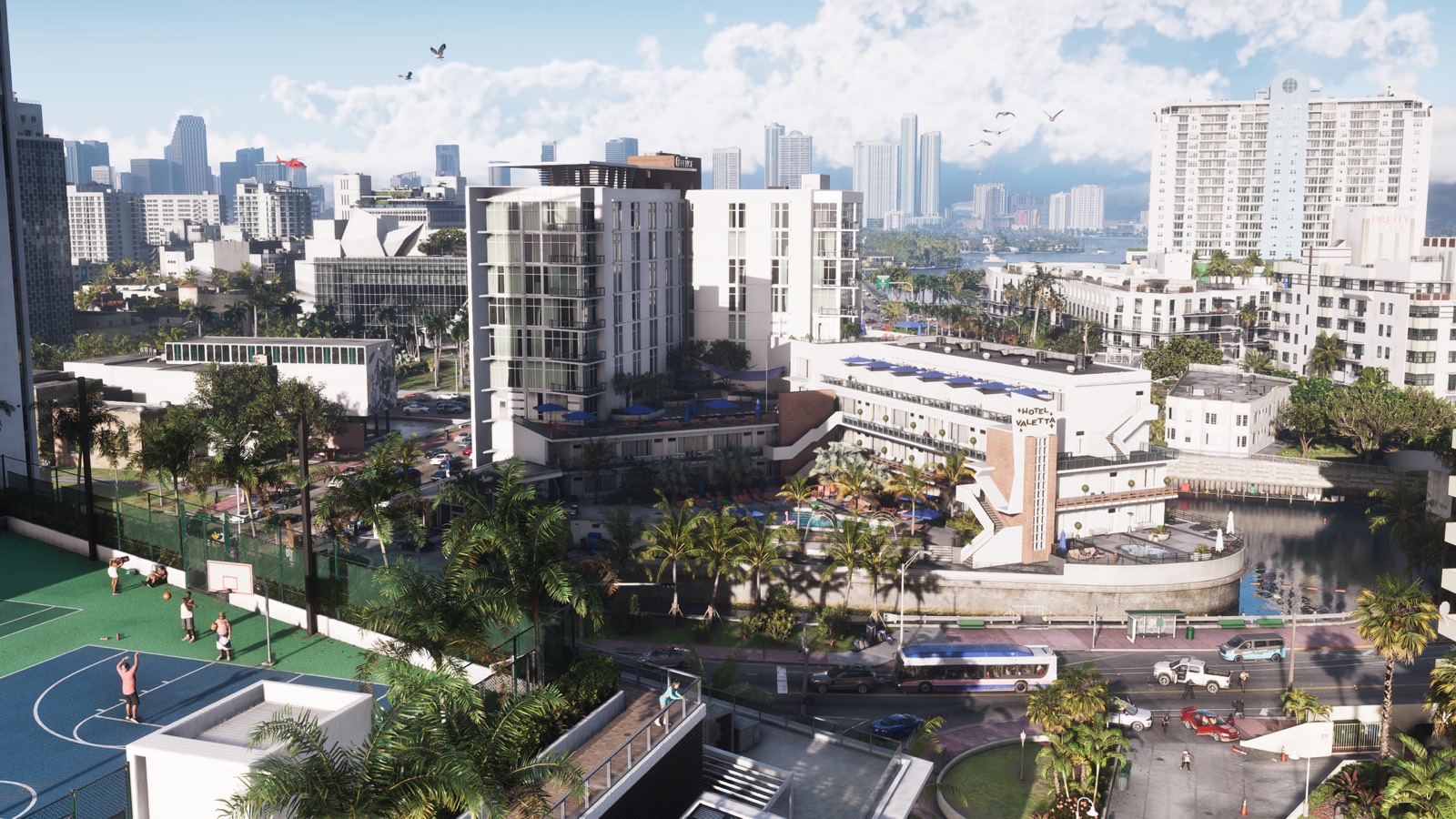
In-game settings we expect (our guess)
Rockstar hasn't shown GTA 6's options menu. These are the settings GTA V and Red Dead Redemption 2 had that most people change in the first hour. We'll update this list from the first players in New Zealand, who get in at 11:00 UTC on 18 November.
- Targeting mode. GTA V offered Assisted Aim Full, Assisted Aim Partial and Free Aim. Full assist is the gentle start. Switch to partial or free once gunfights feel easy.
- Brightness and HDR sliders. Set these after the console calibration above, not before.
- Subtitles. GTA 6 has a lot of pedestrian chatter, and Rockstar has a team writing it. Subtitles help you catch it.
- Camera sensitivity and look inversion. Worth a quick change if aiming feels slow.
- Audio mix. Radio, dialogue and sound effects usually have their own sliders. Turn the radio down a touch if dialogue in the car is hard to hear.
- HUD and minimap. Red Dead let you hide most of the HUD. If GTA 6 does too, it's worth a try once you know the map.
Before you start
Make sure the game has finished its update. See the day-one patch, and if something goes wrong, the launch fixes. For tips on the first session, beginner tips.