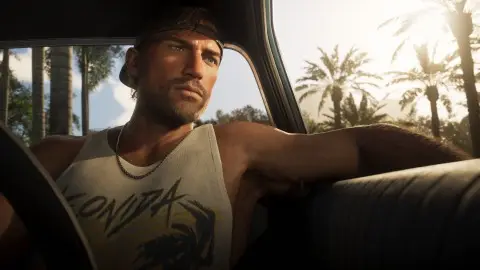
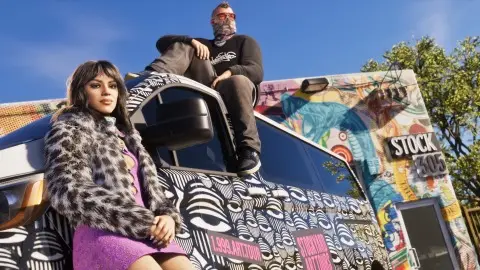
Xbox Series X|S players report getting suspended for about two days after their console uploaded GTA 6 clips to the Xbox network by itself. Xbox records clips in the background and uploads them by default, so you can be flagged for a clip you never shared. To stop it, press the Xbox button, then go to Profile & system, Settings, Preferences, Capture & share, Automatically upload, and pick Don't upload (VGC, Game Rant).
Reported 21 November 2026, 18:00 UTC. The suspensions are player reports. Xbox and Rockstar haven't said anything about them yet.
How to turn off auto-upload on Xbox#
- Press the Xbox button to open the guide.
- Go to Profile & system, then Settings.
- Open Preferences, then Capture & share.
- Pick Automatically upload and set it to Don't upload.
This only changes future captures. Anything already uploaded stays online until you delete it from your captures. You can still record clips and take screenshots, they just stay on the console until you share one yourself (VGC).
What players are reporting#
| What's reported | |
|---|---|
| Who | Xbox Series X and Series S players |
| What | A suspension of about two days |
| Cause | GTA 6 clips the console uploaded automatically |
| What it blocks | Messaging, online play and uploads, per the reports |
| Fix | Turn off auto-upload |
| Official word | None from Xbox or Rockstar yet |
Sources: Game Rant, Sportskeeda, VGC.
Why it happens#
Xbox hasn't said which GTA 6 clips were flagged. GTA 6 is rated M, and the ESRB lists Nudity and Strong Sexual Content among its descriptors, and Xbox's rules don't allow that kind of content on its network, even from an adult-rated game. The same thing happened with Baldur's Gate 3 in 2024. Xbox said then that a person reviews flagged clips, that a first offence usually doesn't lead to a suspension, and that it reverses suspensions made in error (VGC). It hasn't said whether it will treat GTA 6 the same way.
More on what's in the game: GTA 6 age rating and strip club locations.
If you're already suspended#
- Check the notice in your Xbox account's enforcement history for the reason and the end date.
- Appeal from there if you think it was a mistake. Reports differ on whether these suspensions can be appealed, but Xbox reversed some in the Baldur's Gate 3 case.
- Turn off auto-upload first, so another clip doesn't get flagged while you wait.
- GTA 6 itself still works. It's a single-player game, so you can keep playing offline, see can you play GTA 6 offline.
Does this happen on PS5#
There are no reports from PS5. The PS5 doesn't upload clips to a public network by default. More Xbox fixes are in GTA 6 Xbox error 0x803f8001 and GTA 6 problems and fixes.
FAQ#
Can you get banned on Xbox for GTA 6 clips?
Players report two-day suspensions after their console uploaded clips on its own. Turning off auto-upload stops it.
Does Rockstar ban you for this?
No. These are Xbox network suspensions, not Rockstar bans. Your GTA 6 save isn't touched.
Will I lose my clips if I turn off auto-upload?
No. New clips stay on the console, and you can still share any of them yourself.