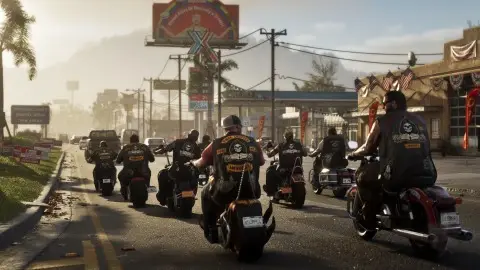
To shoot while driving in GTA 6, press L1 on PS5 or LB on Xbox to draw your sidearm, then fire with R1 or RB. R2 and RT stay on the accelerator, so you can keep driving while you shoot (GTABase, Game Rant). Tap L1 or LB again to put the gun away, and hold it instead to open the weapon wheel.
Buttons#
| Action | PS5 | Xbox |
|---|---|---|
| Draw your gun in a car | L1 | LB |
| Fire | R1 | RB |
| Keep driving | R2 | RT |
| Slow motion (Focus) | L3 and R3 together | Both sticks together |
Focus slows time so the shots are easier to line up. It unlocks in the Chapter 1 mission Down to Earth (Shacknews). More in focus mode.
Make it easier#
- Turn on Drive-By Assist. It's a lock-on for shooting from cars, under Settings, Gameplay, Combat. See aim assist settings.
- Use Focus on the hard shots. PowerPyx's walkthrough of Hey Arnold! recommends slowing time to deal with the bikers in the car chase (PowerPyx).
FAQ#
How do you aim while driving in GTA 6?
Draw your gun with L1 or LB and aim with the right stick. Drive-By Assist adds a lock-on.
Why can't I shoot from my car?
You're probably pressing R2 or RT, which is the accelerator. Draw first with L1 or LB, then fire with R1 or RB.
How do you put the gun away while driving?
Tap L1 or LB. See how to put your gun away.
Every other button is in GTA 6 controls.