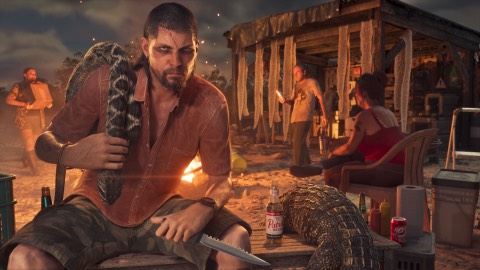
Yes. GTA 6 has a full photo mode, and it's there from the prologue. Pause the game and choose photo mode from the menu. It opens up as soon as you take control of Lucia (Game Rant). Our prediction before launch was right, and it's at launch, not in a later update.
How to open photo mode#
- Press Options on PS5 or Menu on Xbox to pause.
- Pick photo mode from the pause menu.
- Move the camera, change the settings below, and take the shot.
What you can change#
| Group | Settings |
|---|---|
| Camera | Speed, grid, roll, 8 aspect ratios, field of view, depth of field, aperture, focus distance |
| Character | Show or hide Jason or Lucia |
| Effects | Exposure, contrast, highlights, shadows, saturation, sharpness, grain, colour temperature, tint, gamma, lens flare, bloom, chromatic aberration |
| Lighting | Up to 5 extra lights |
| Overlays | 17 filters, vignette, colour isolation, and in-game effects such as the low-health look |
All from Game Rant.
The phone camera and selfies#
The phone camera is separate, and it arrives a little later, once Lucia's part of the prologue ends and you play as Jason.
- Press D-pad up for the phone.
- Open Camera, the third icon in the first row.
- The rear camera has a grid, up to 5x zoom and 17 filters. The front camera takes selfies, with 6 poses and 7 expressions for Jason, and you can change your partner's pose too.
Photos from both go to the Gallery in the camera app. The phone's other apps are in GTA 6 phone apps.
Tips for better shots#
- Pick your hour. Skip to the light you want by sleeping at home, see how to skip time.
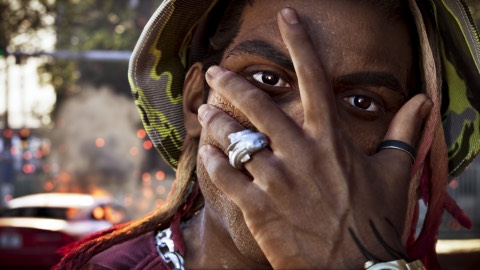
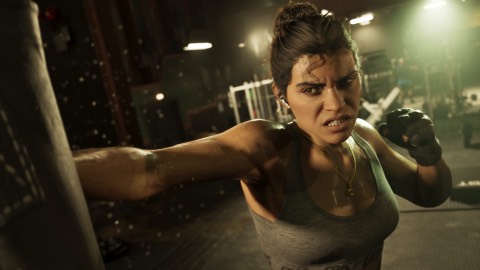
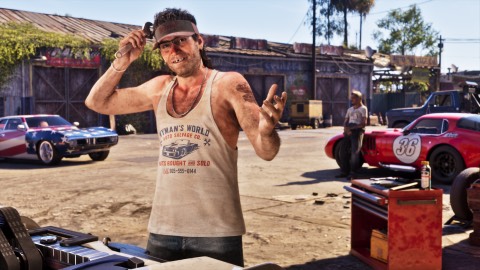
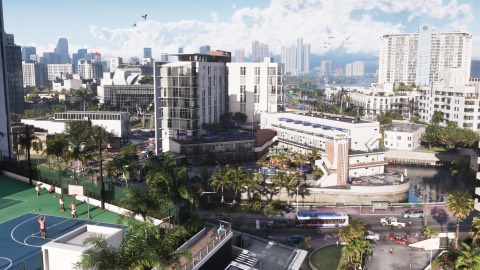
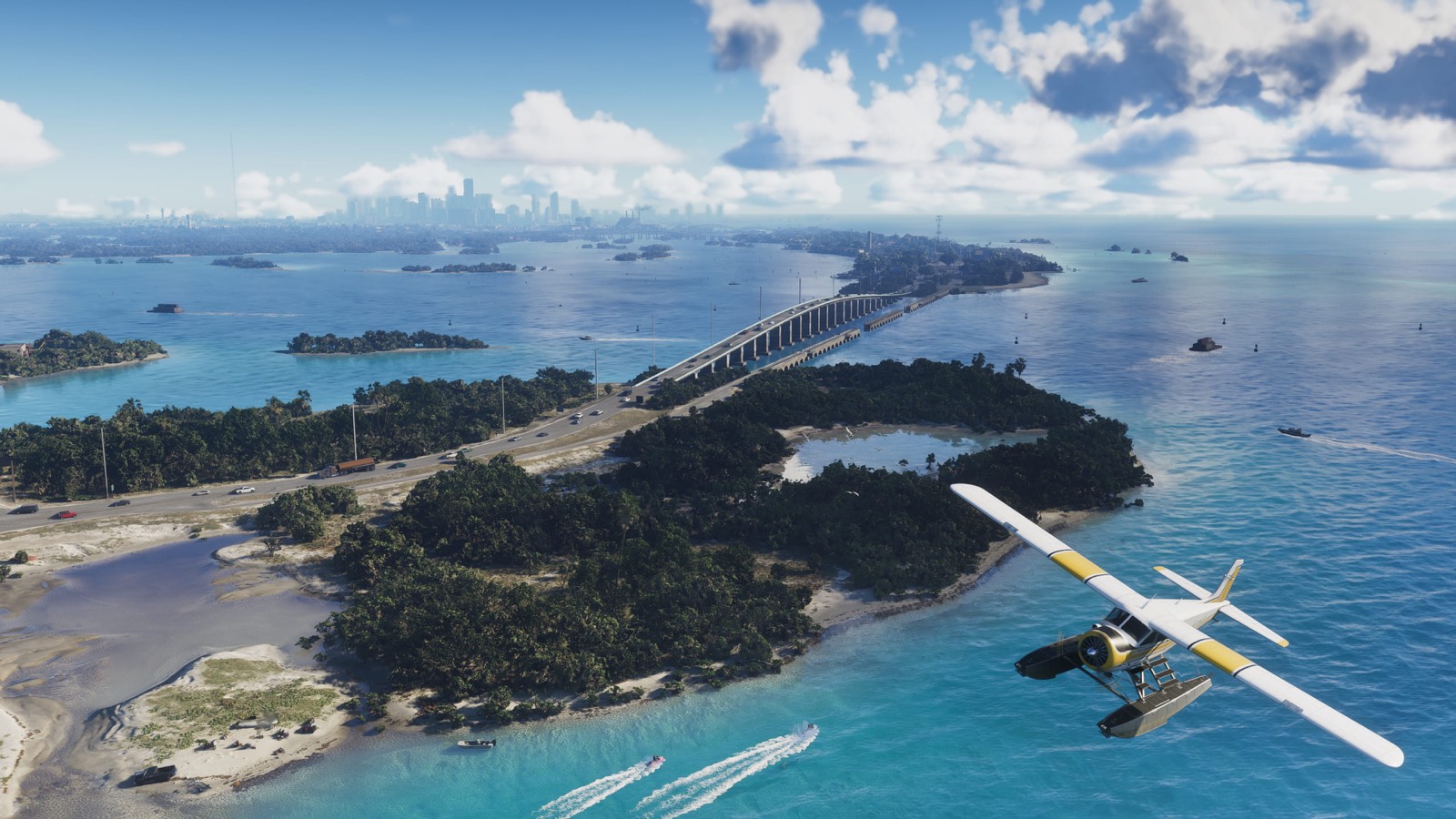
- Go somewhere worth it. The launch gallery shows Rockstar's own picks.
If it doesn't work#
- No photo mode in the menu: you're still before the point where you take control of Lucia.
- No camera on the phone: finish Lucia's part of the prologue first.
Before launch: what we expected#
This is what we wrote before the game came out, kept for reference. Where it disagrees with the section above, the section above is right.
Rockstar hasn't confirmed a photo mode for GTA 6. Our prediction: yes, a proper photo mode, either at launch or in an early update. That's our guess. What is reported is the phone camera and the Snapmatic app, see GTA 6 phone apps.
What's known
| Status | |
|---|---|
| Phone camera and Snapmatic | Reported |
| A full photo mode | Our guess: yes |
| A video editor like GTA V's Rockstar Editor | Not known |
| Wildlife photography as a side activity | Reported, see wildlife photos |
Why we think so
- Red Dead Redemption 2 added a full photo mode in an update months after launch.
- GTA V had the Rockstar Editor for video and Snapmatic for photos.
- GTA 6 is built for sharing. The trailers lean on social media clips, and the launch gallery shows how much Rockstar wants people to see the detail.
How we made this prediction
We looked at the photo tools in Rockstar's last two big games and at how GTA 6 has been marketed. If Rockstar lists a photo mode, it goes at the top of this page.