GTA 6 wallpapers and screenshots
Every official GTA 6 screenshot we use on the site, 45 of them at 1600×900. Click one for the full-screen viewer, use the arrow keys to flip through, and download the ones you like. For Rockstar's own artwork in bigger sizes, up to 4K, see the official GTA VI downloads page.
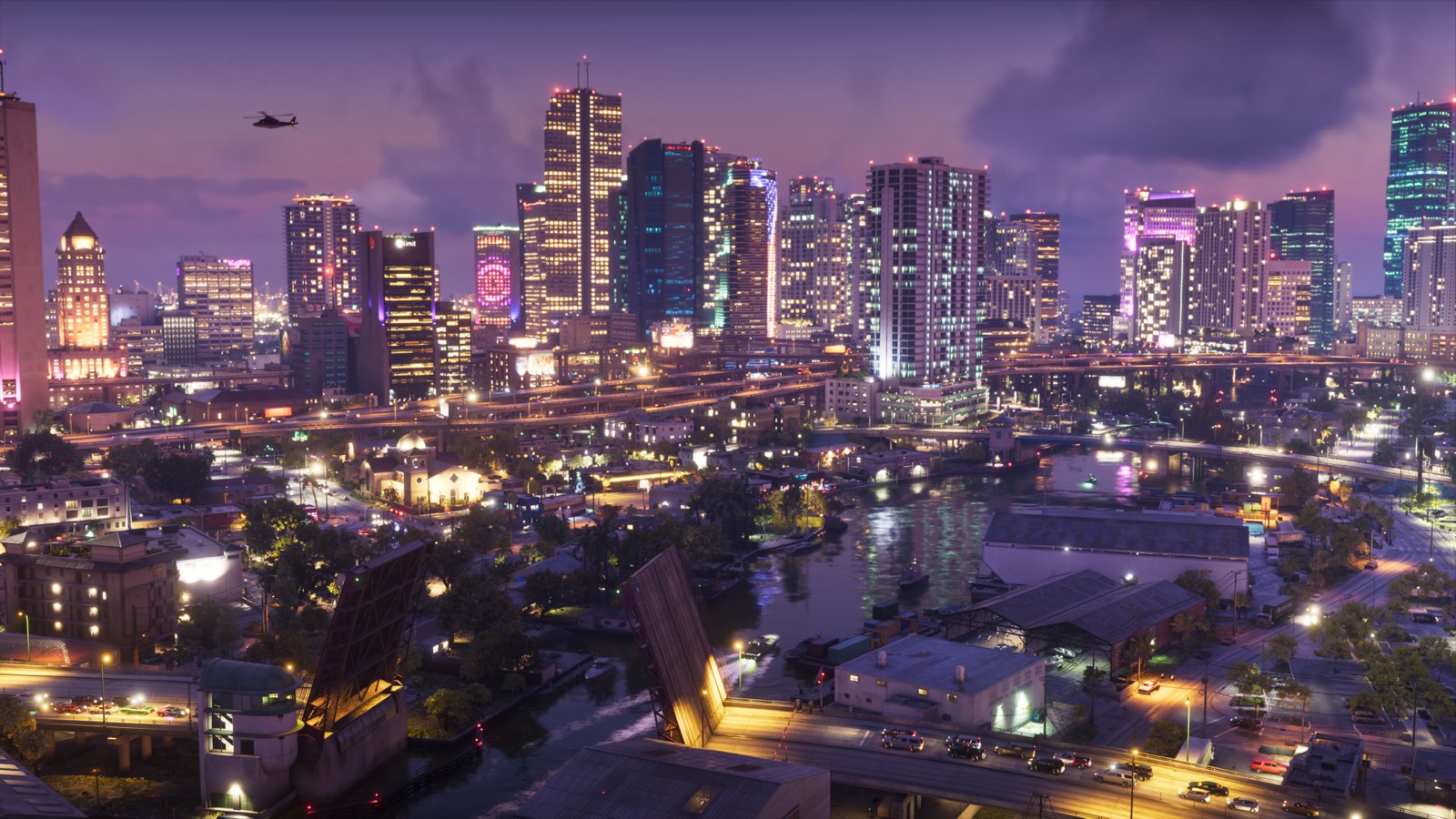
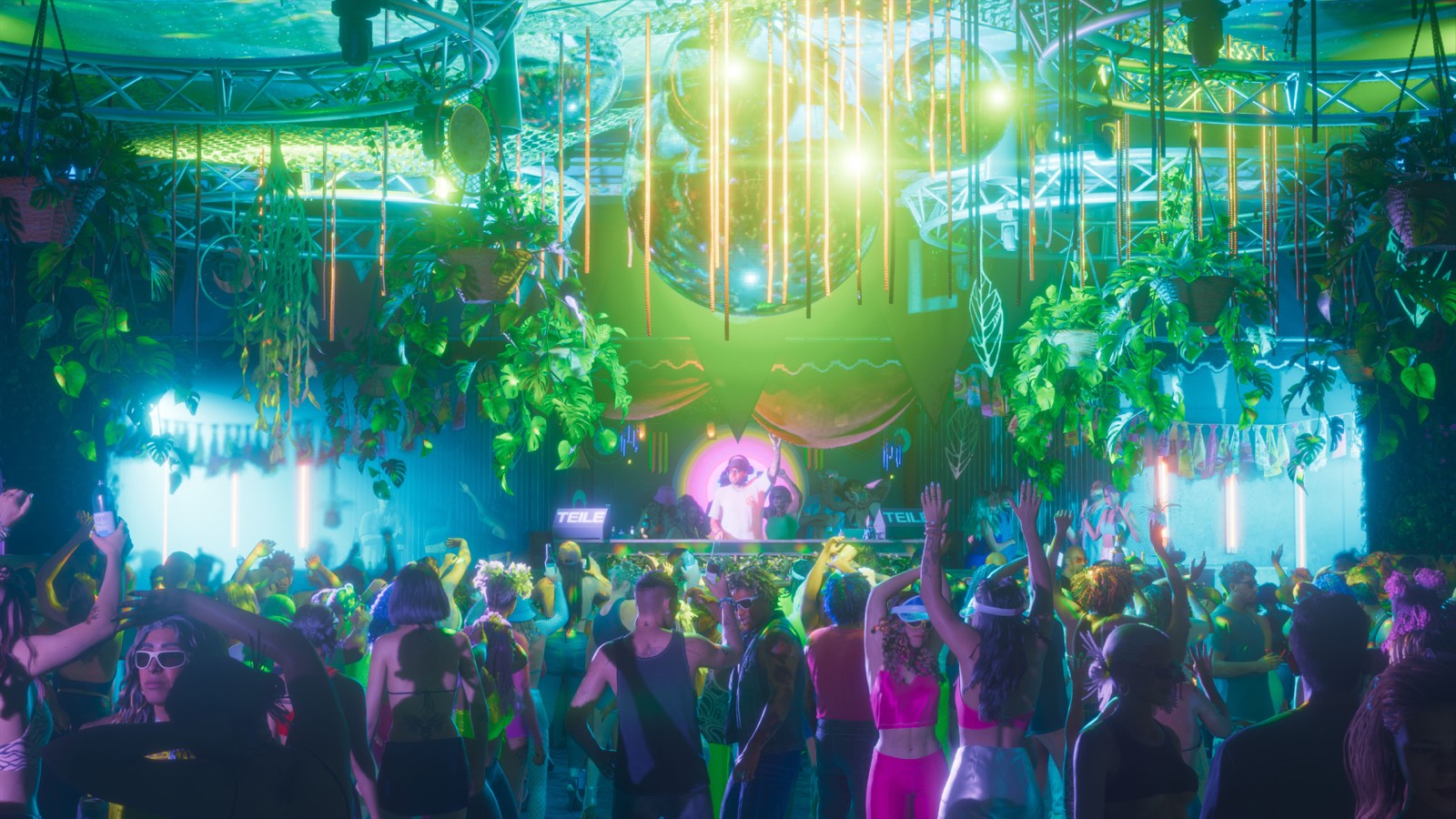
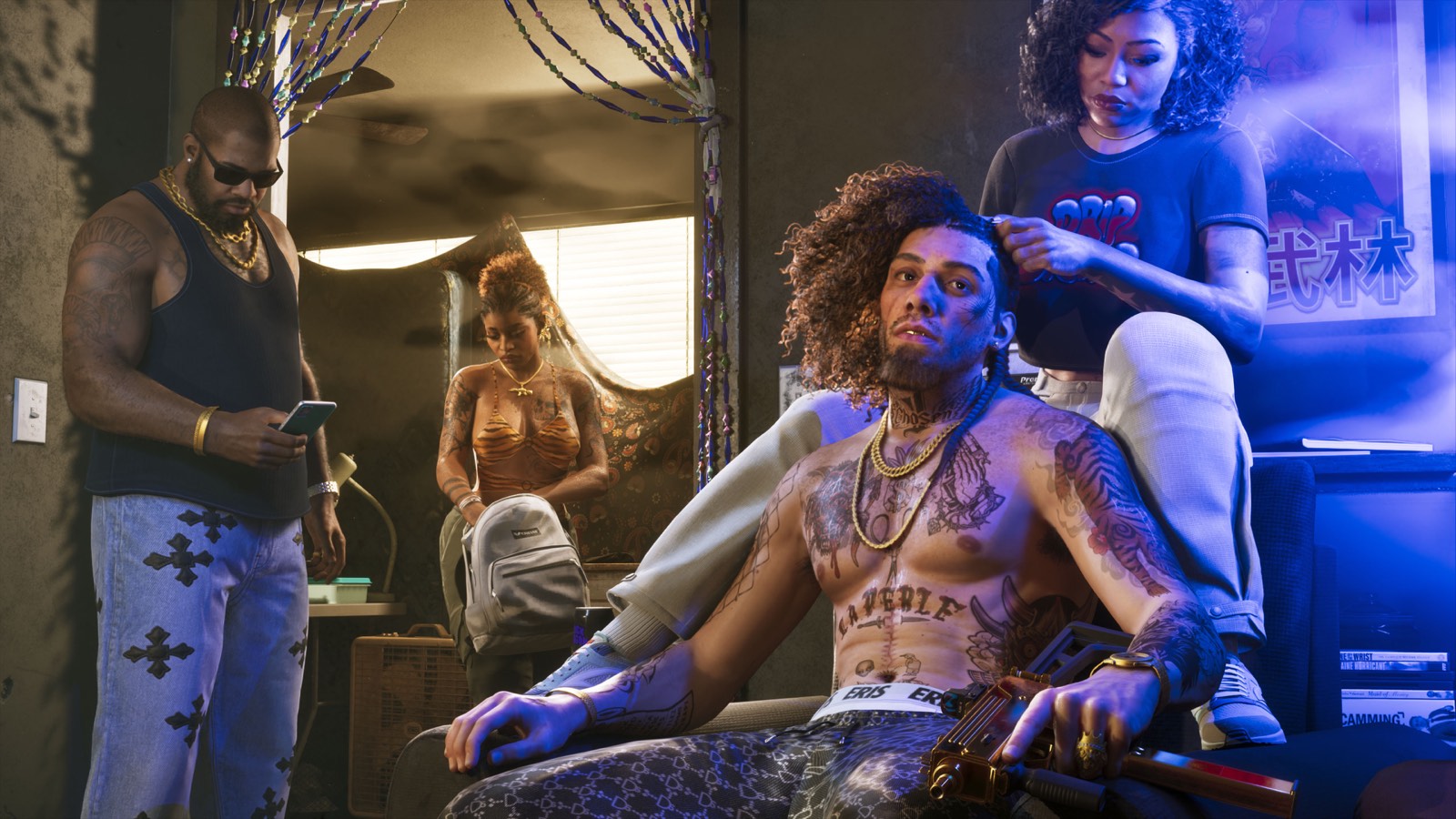
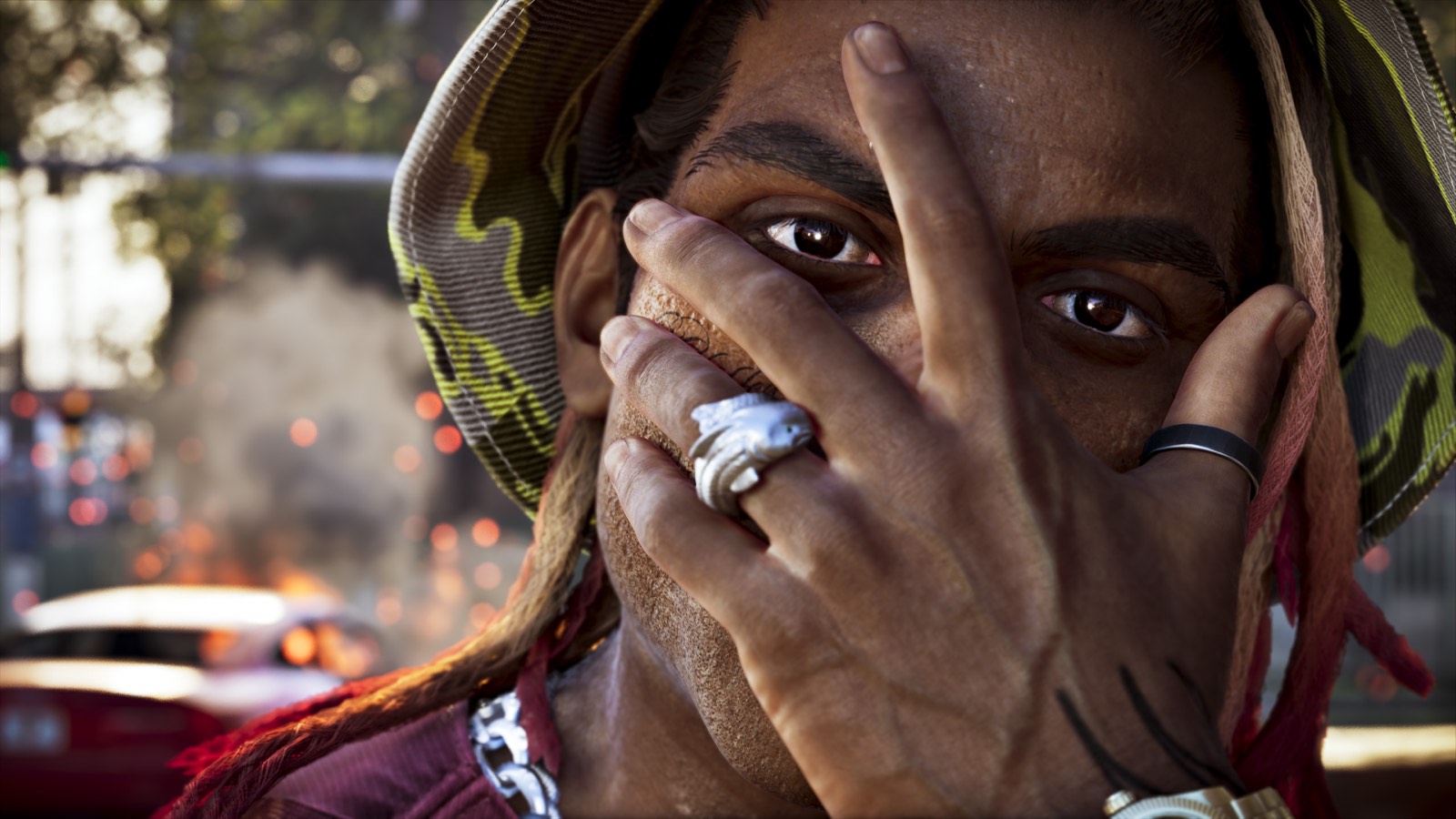
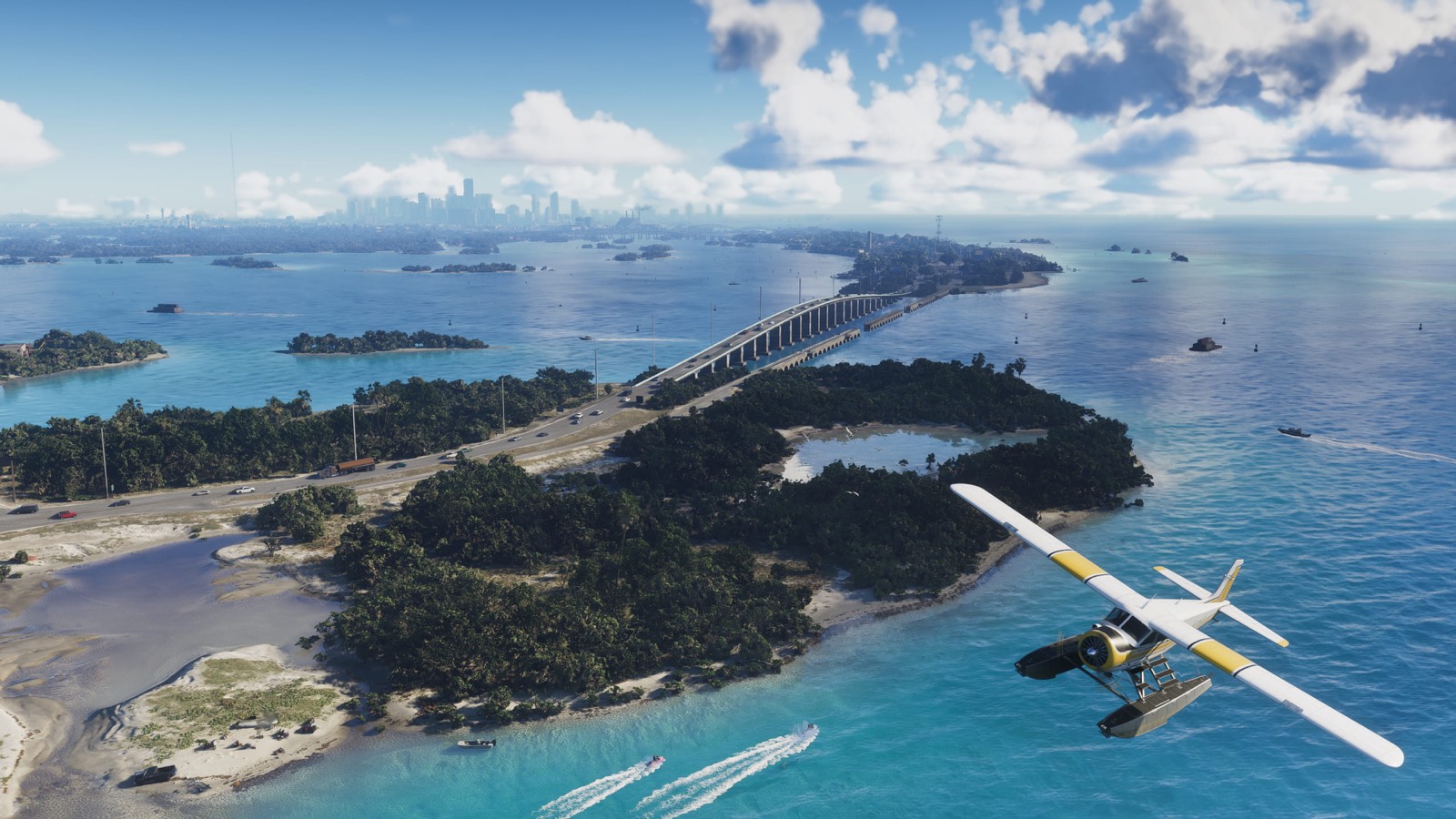
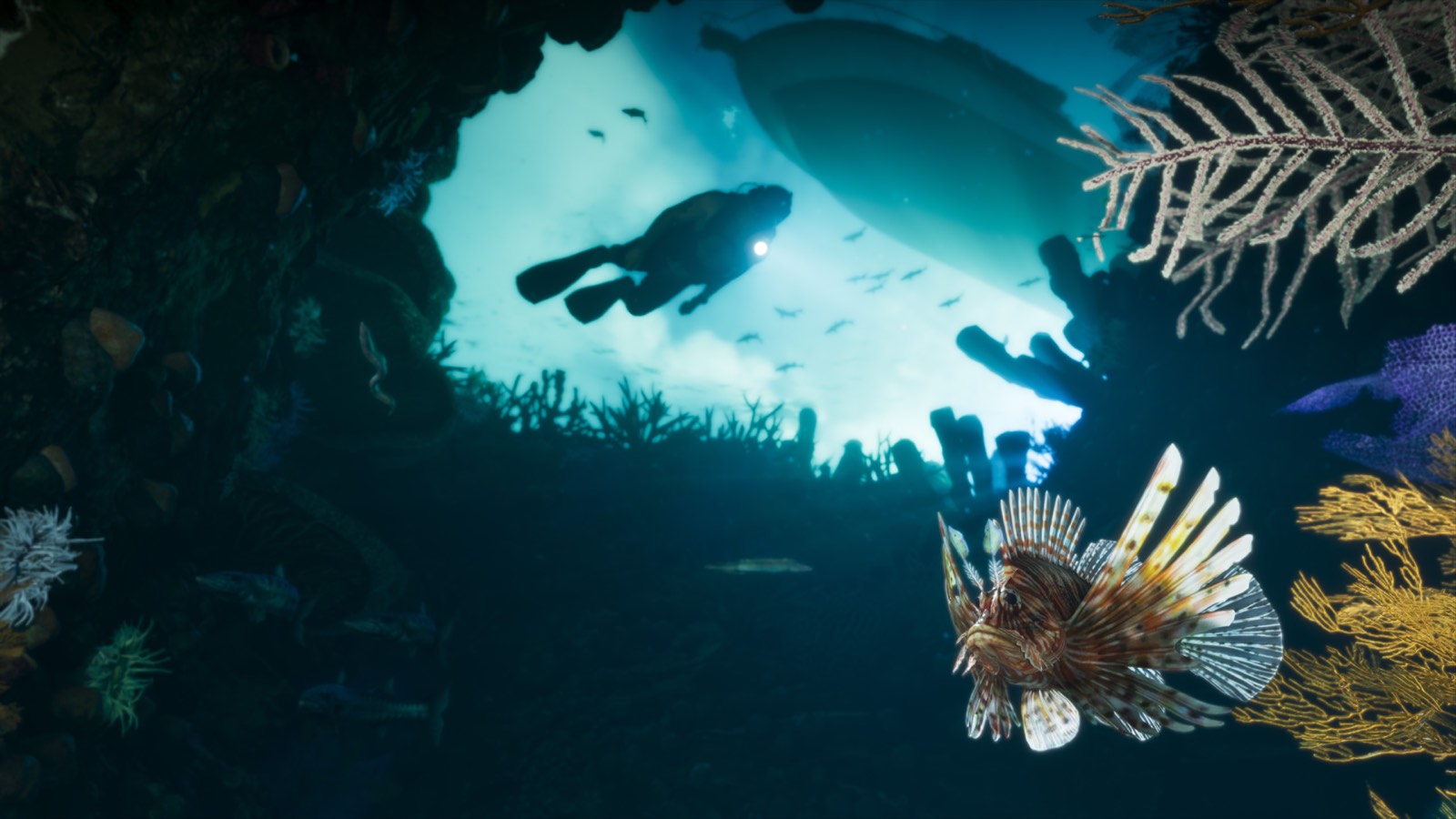
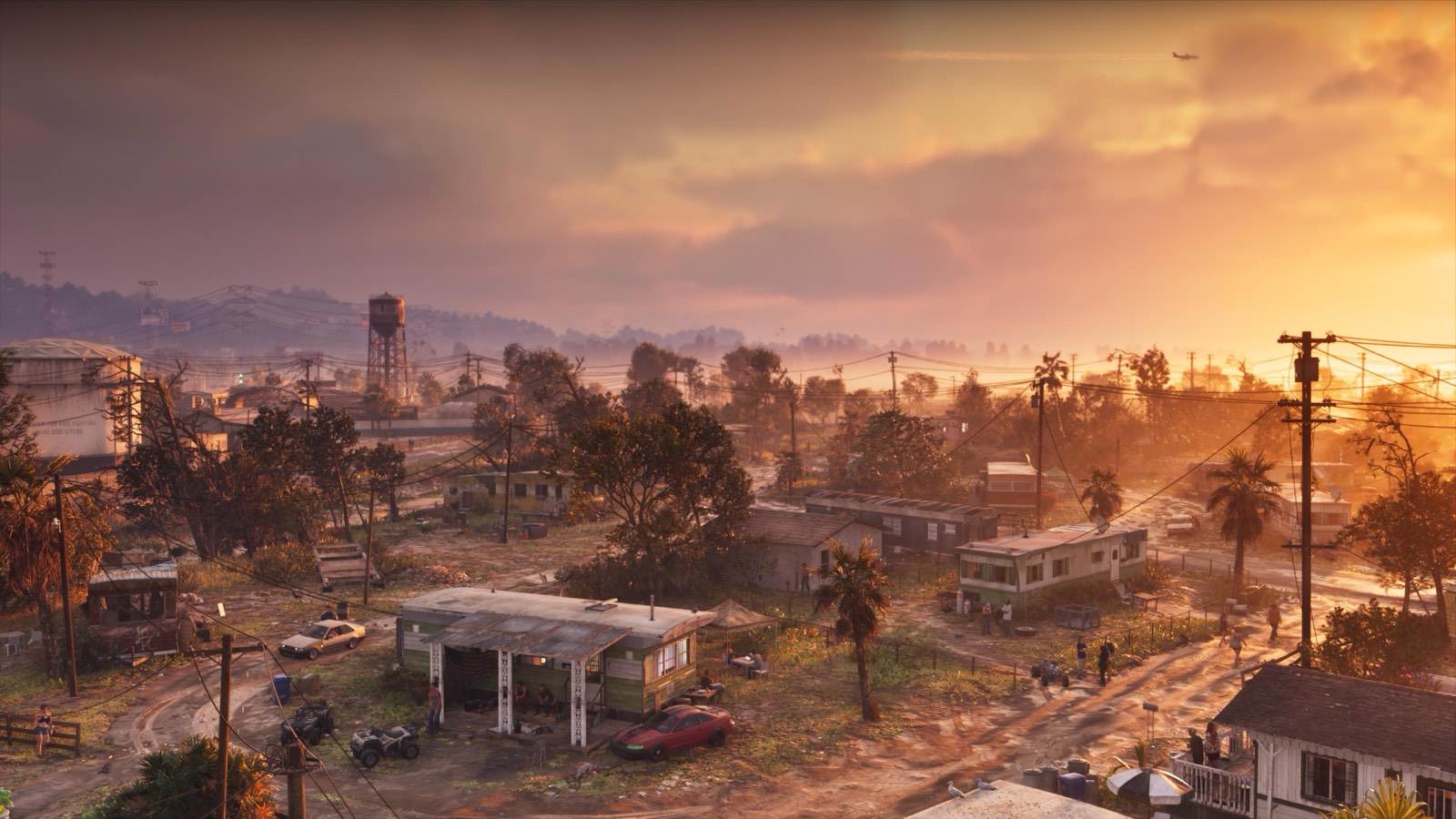
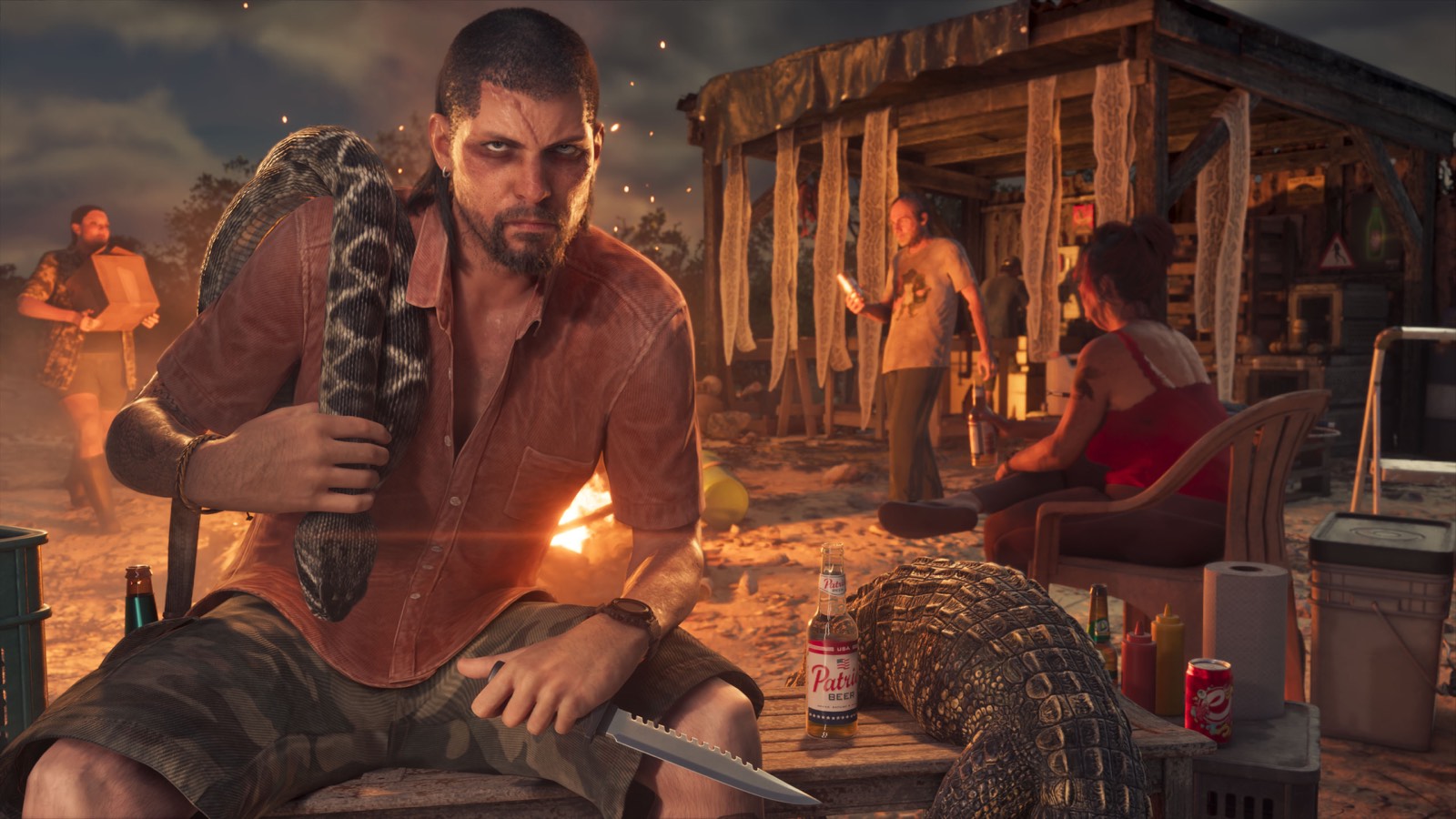
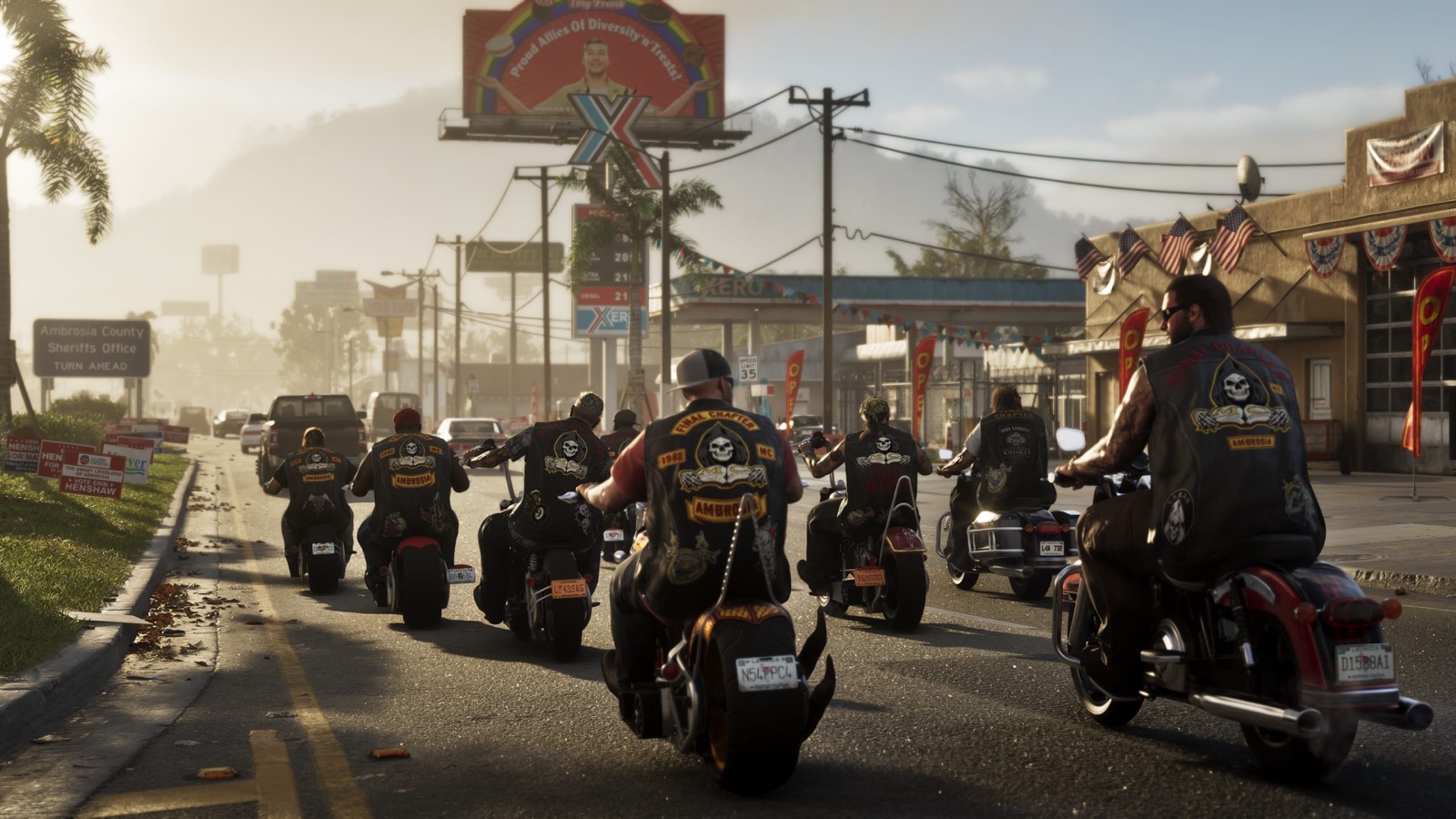
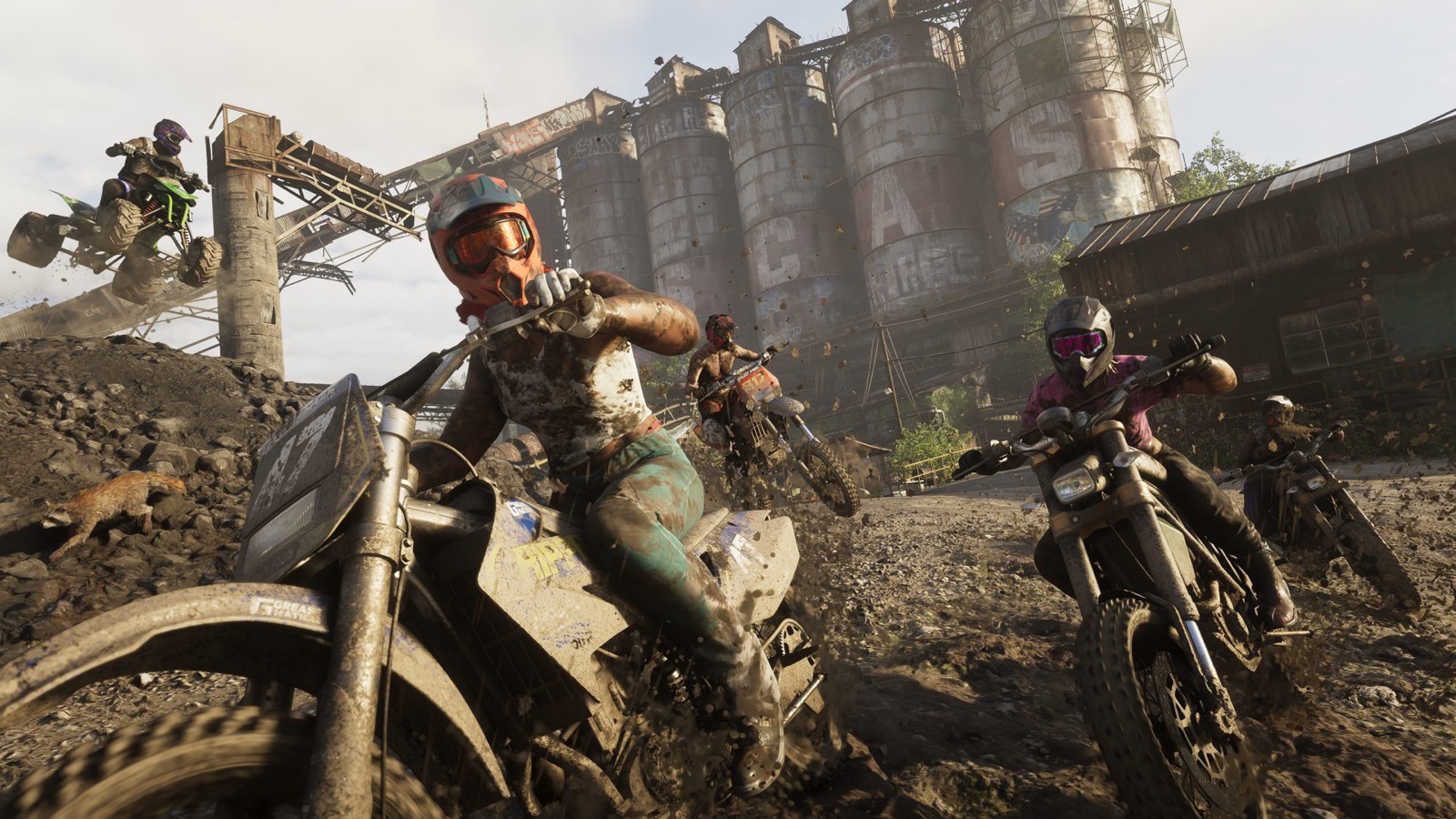
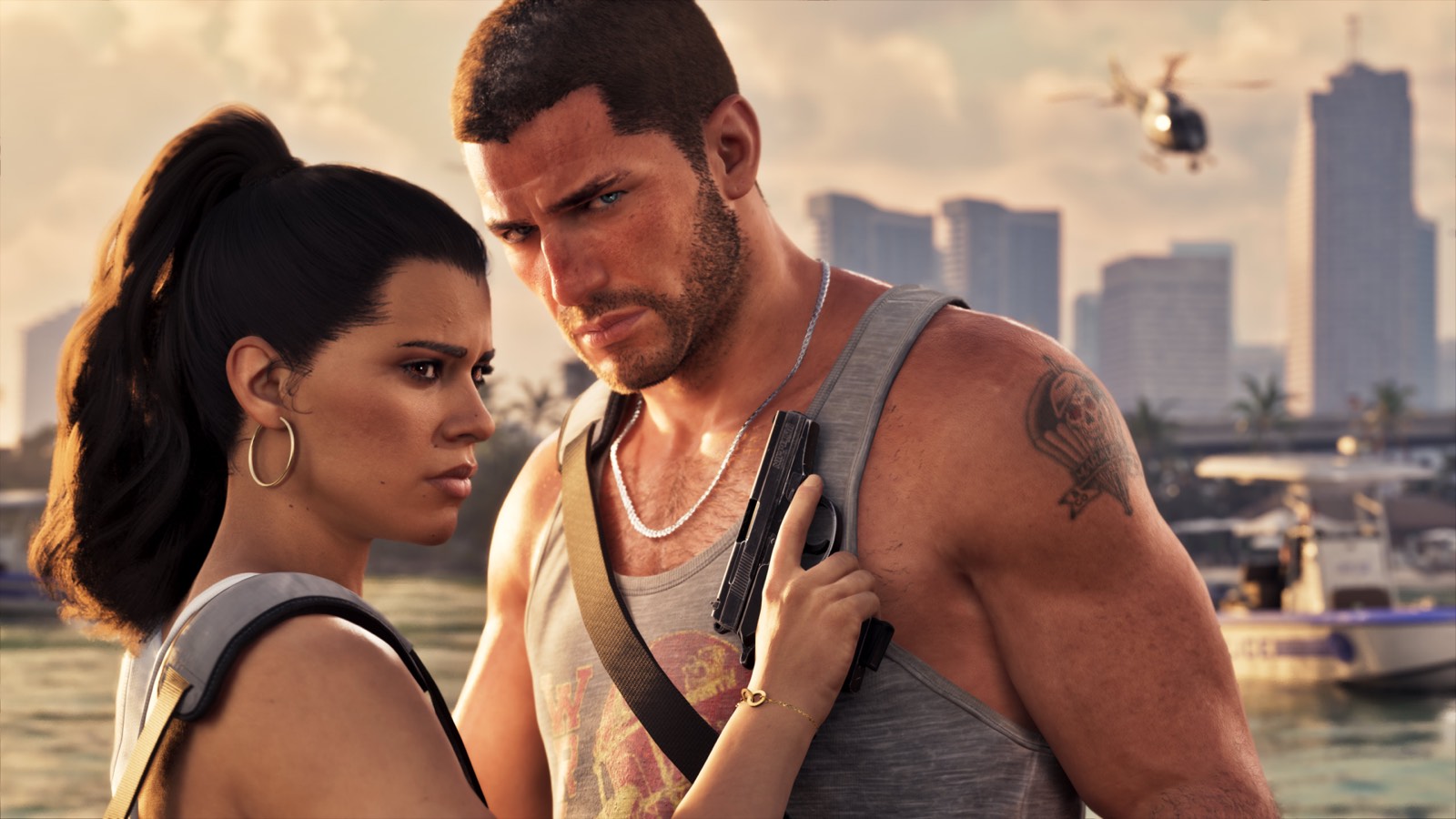
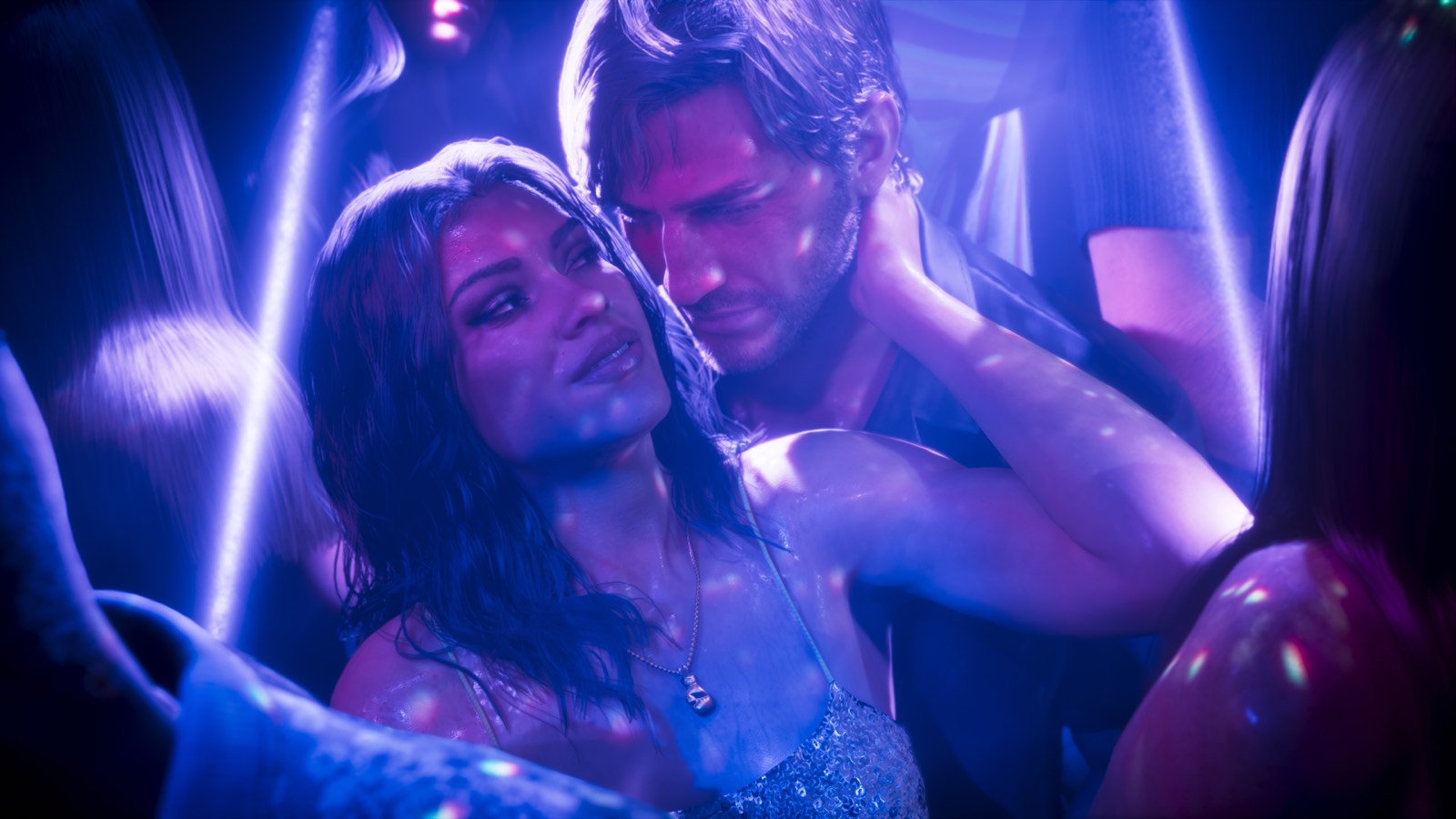
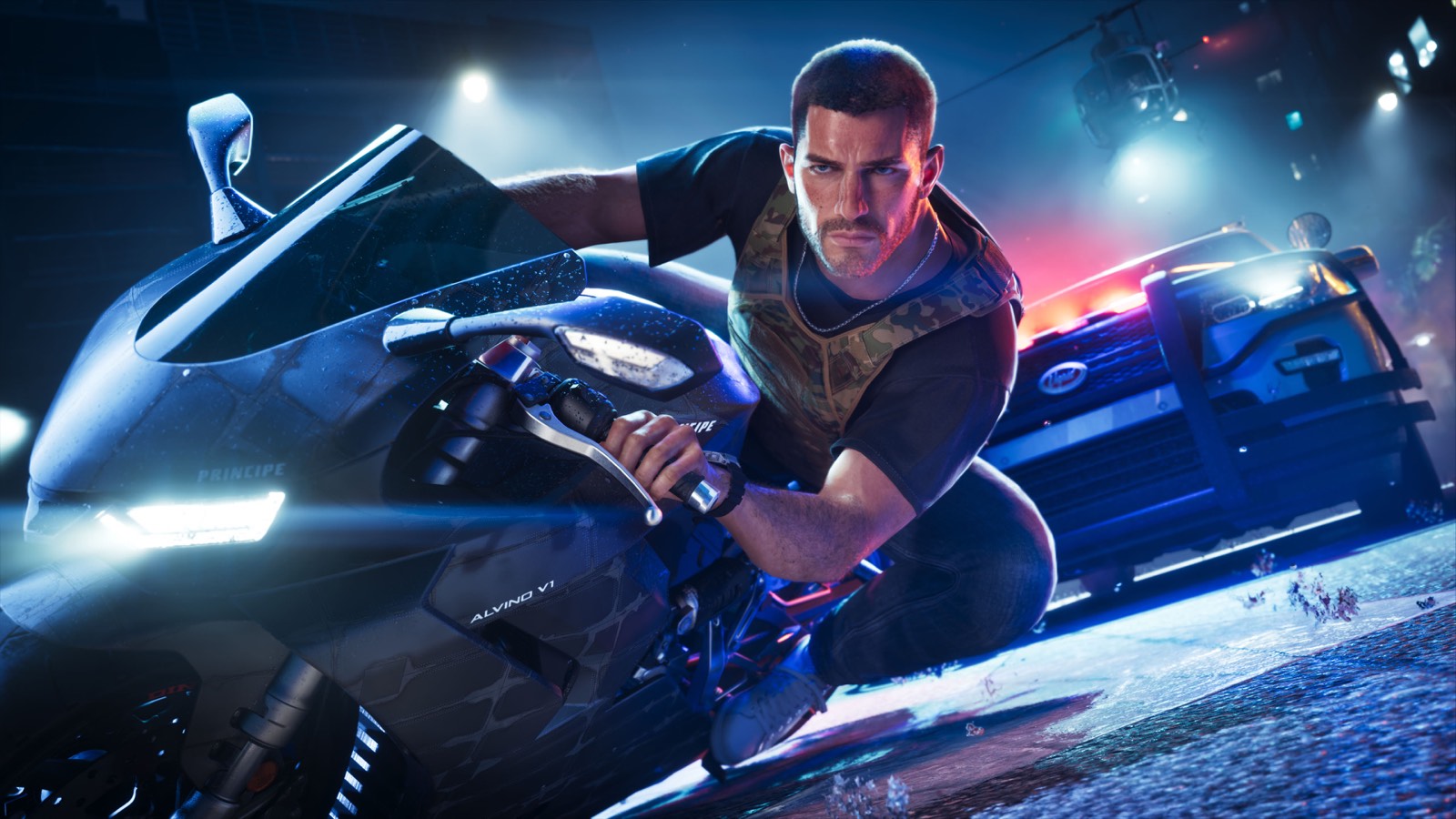
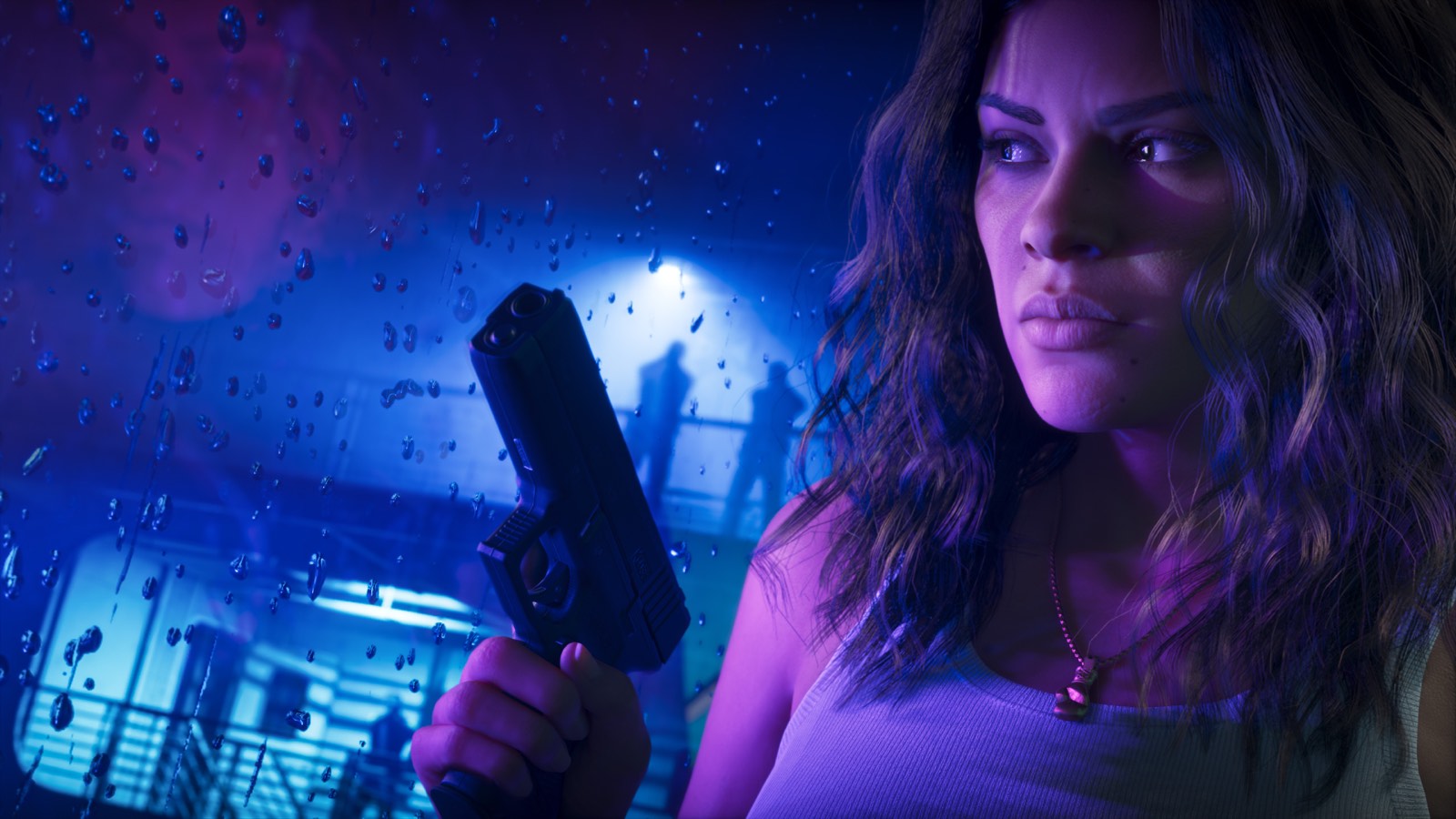
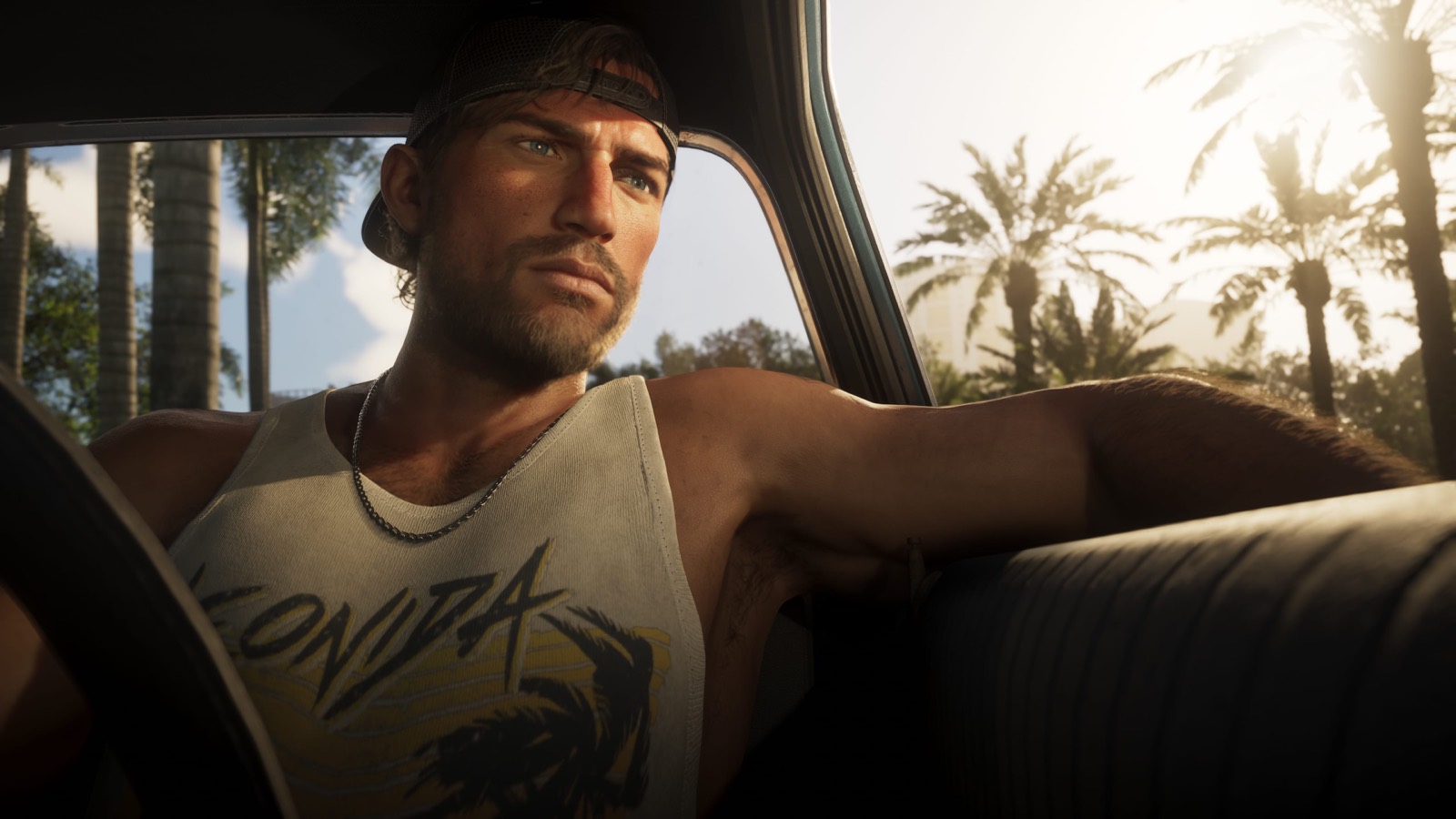
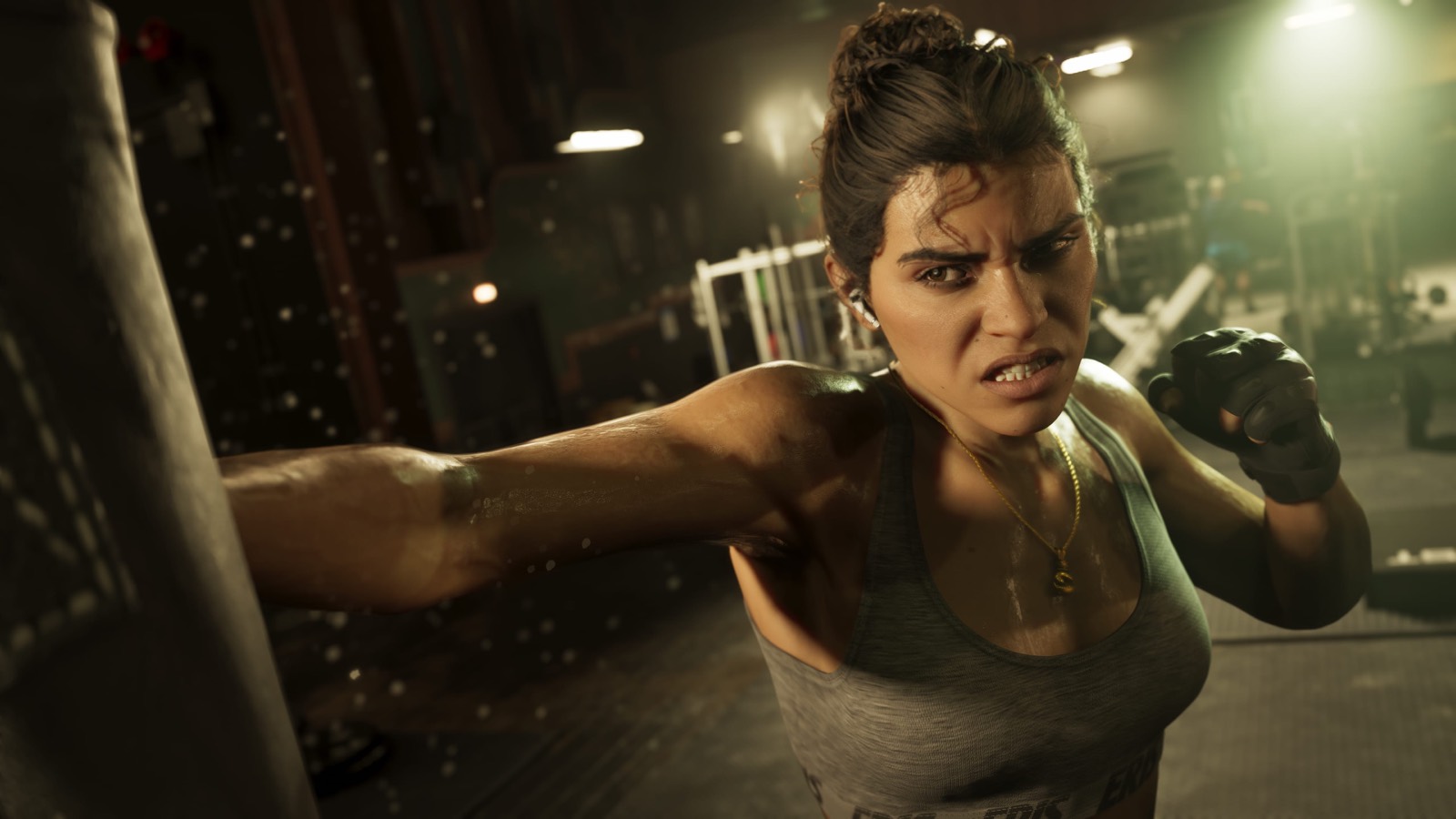
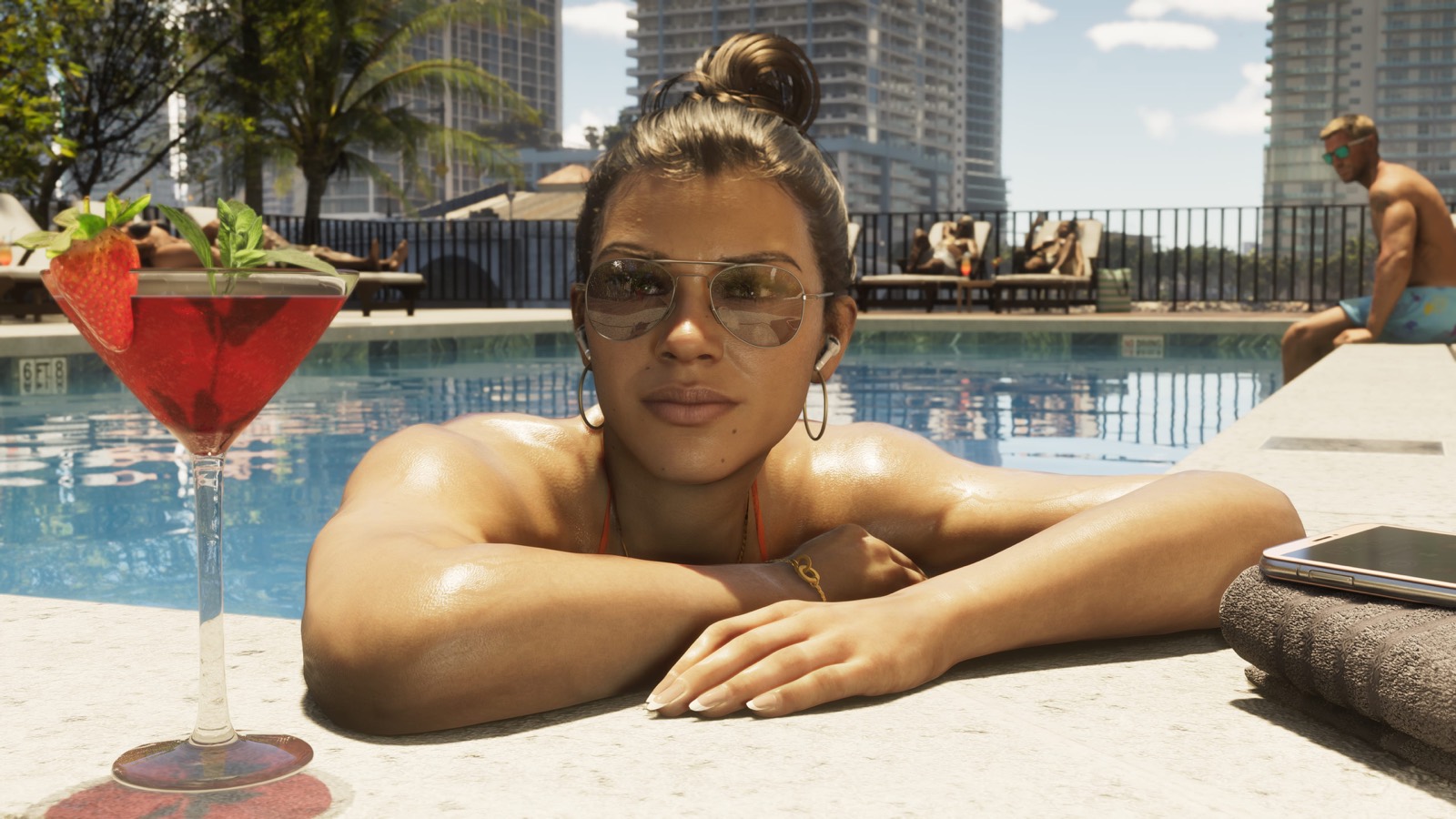
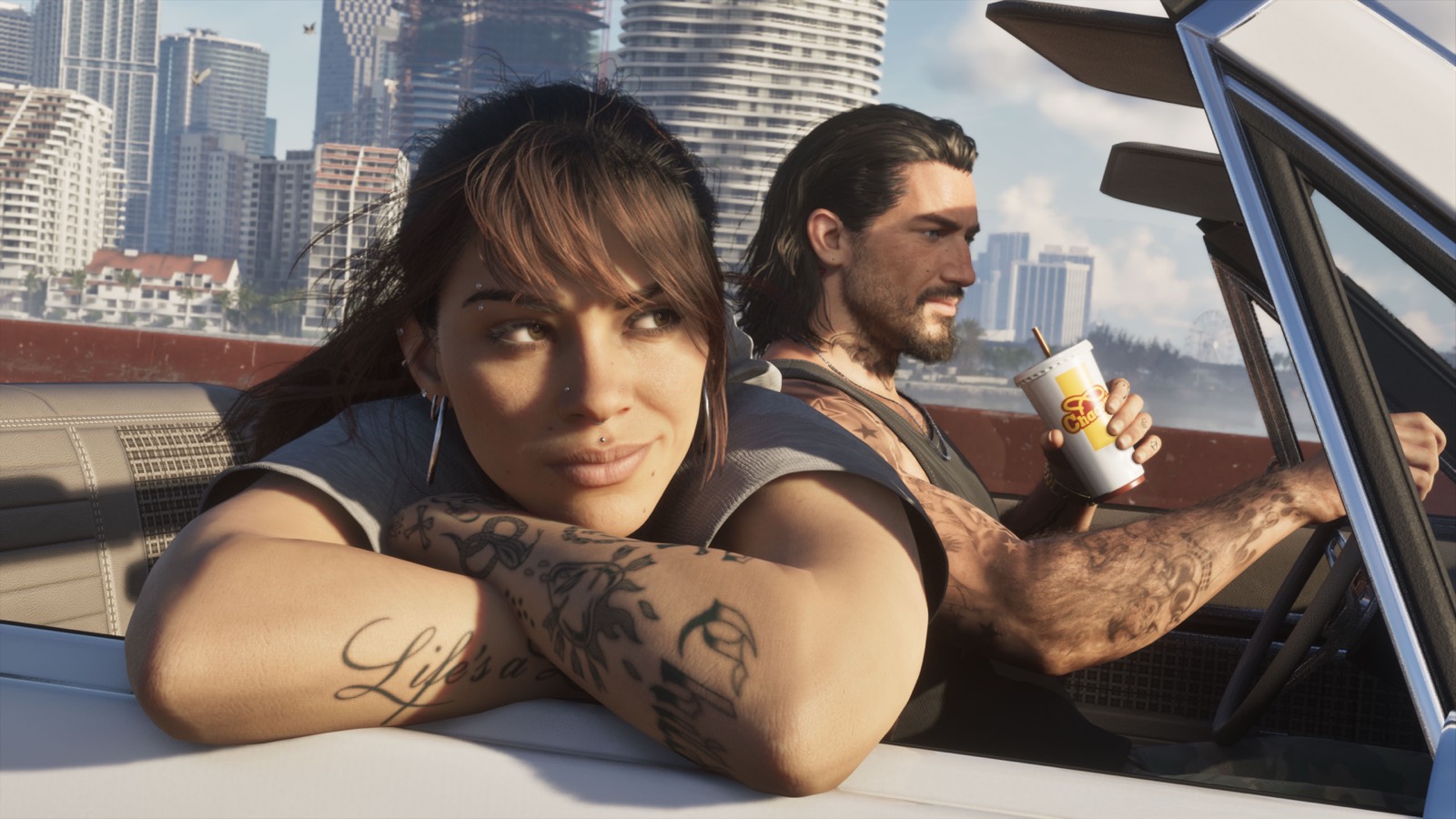
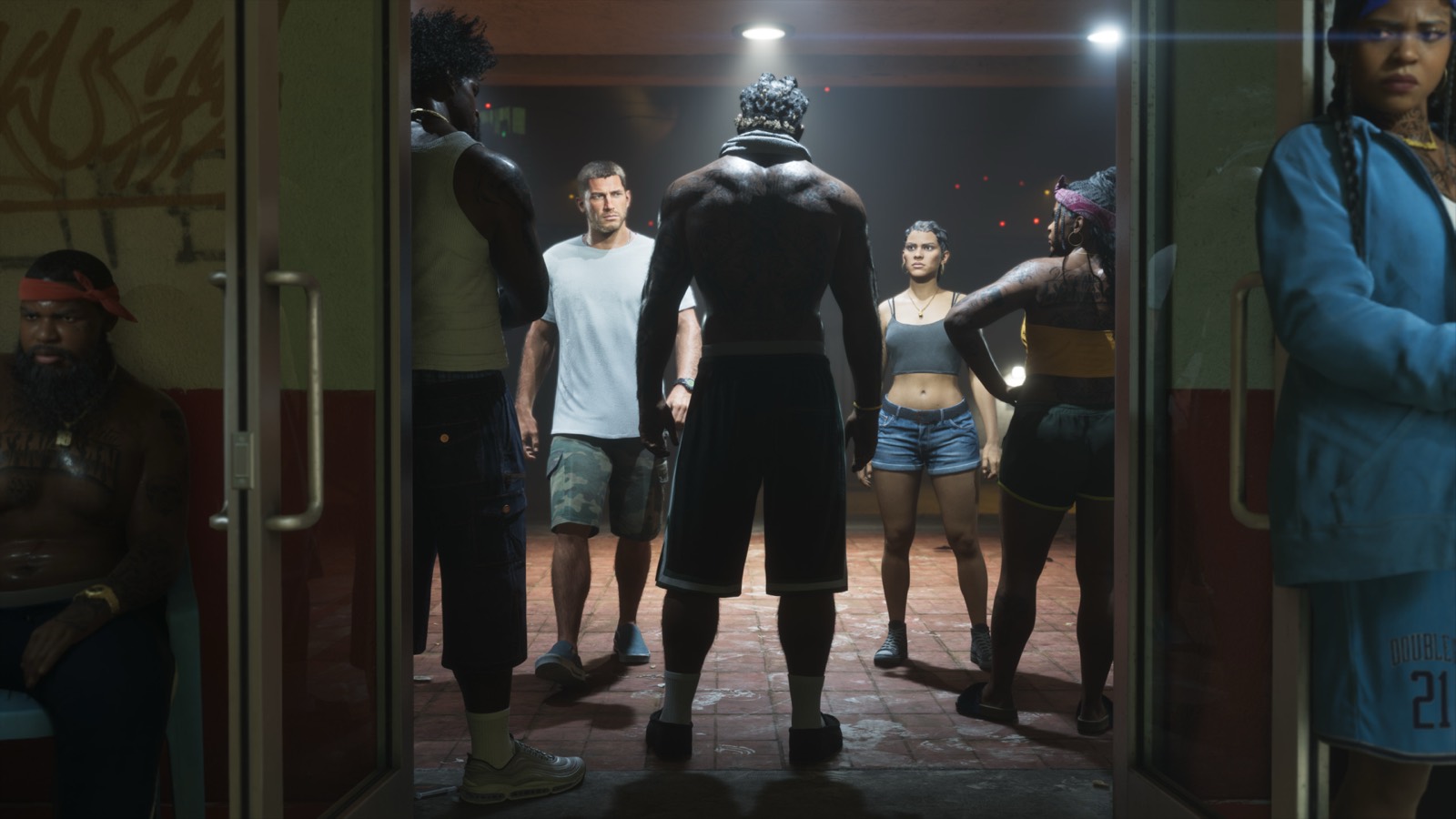
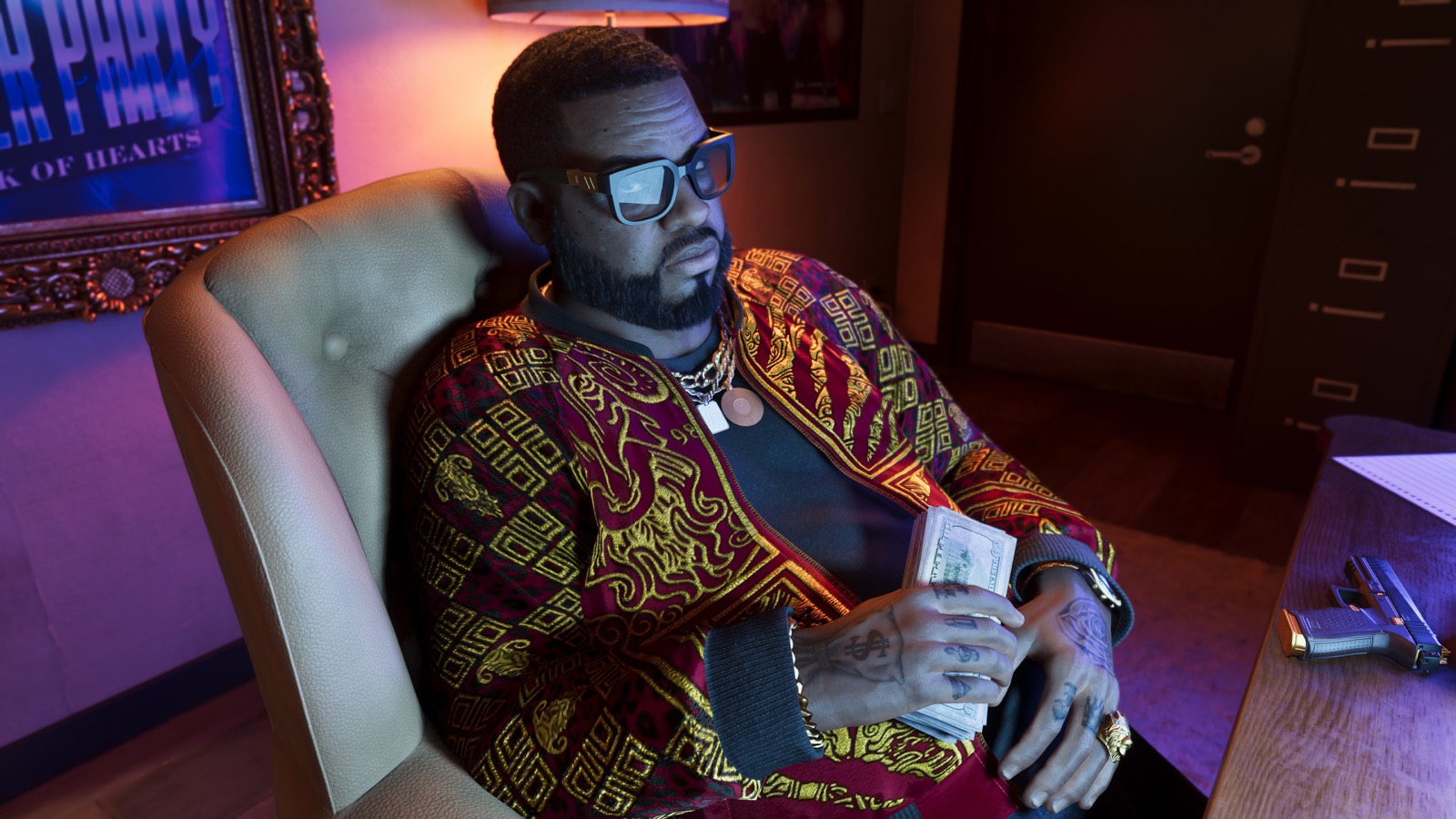
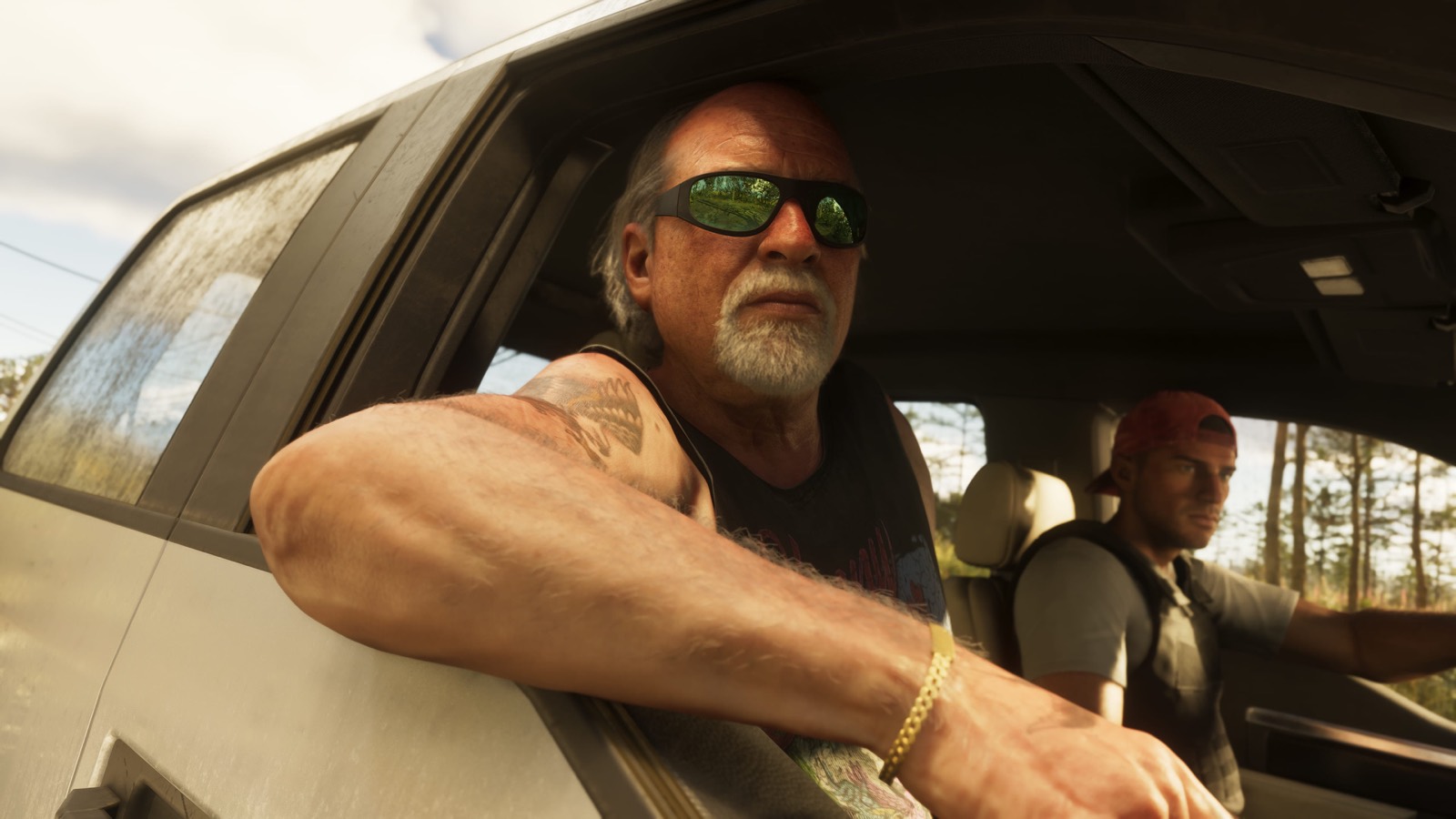
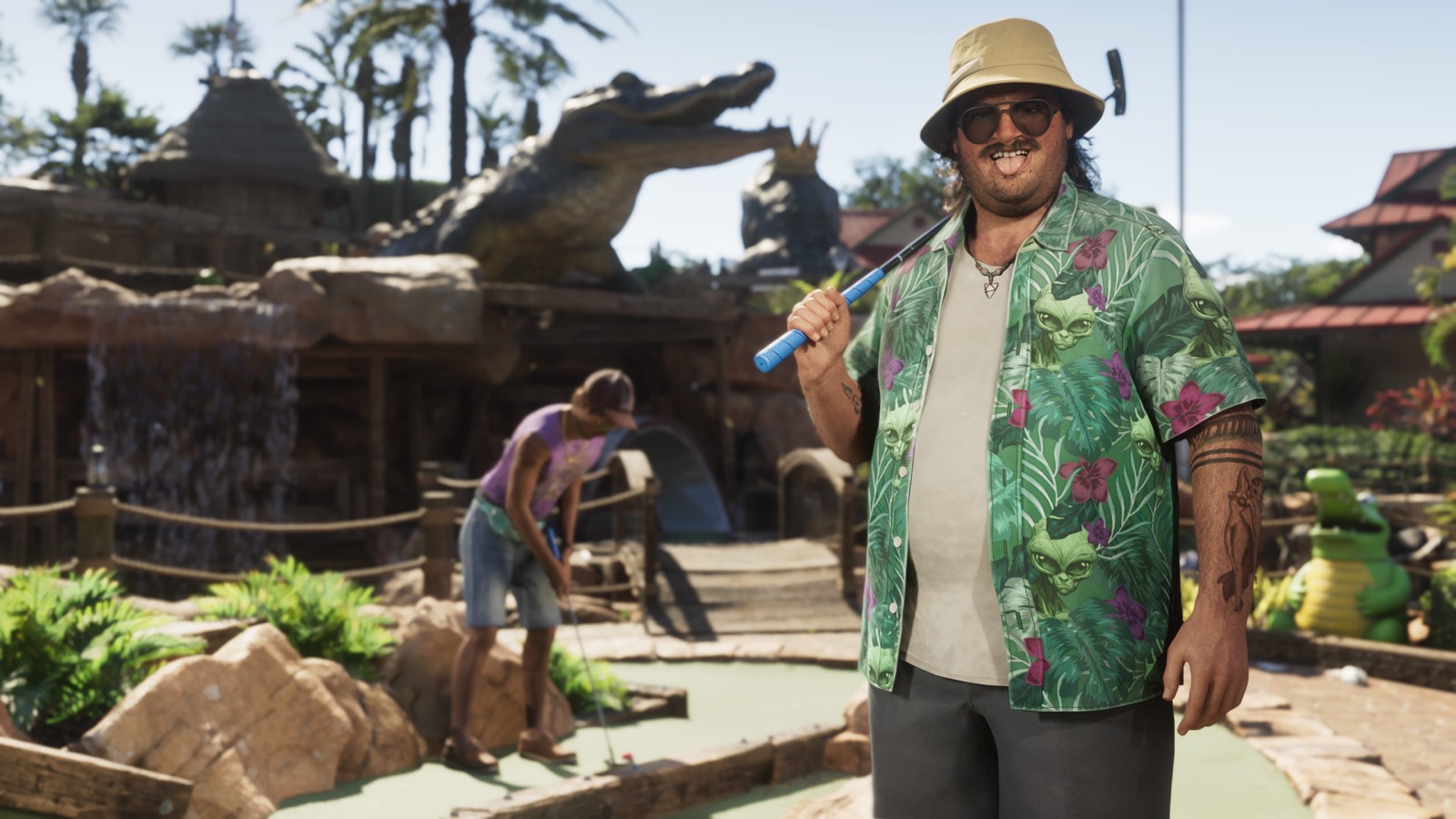
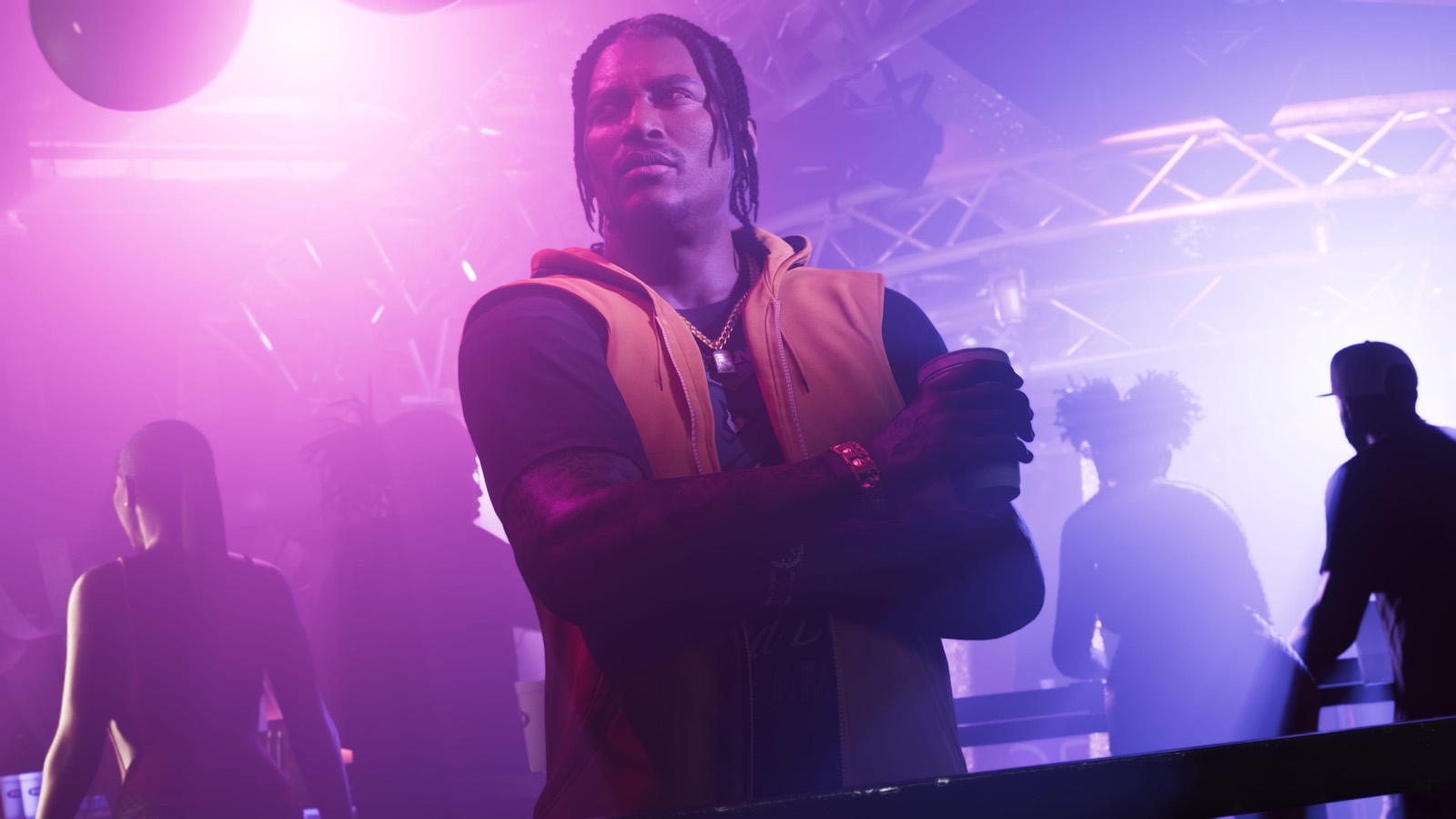
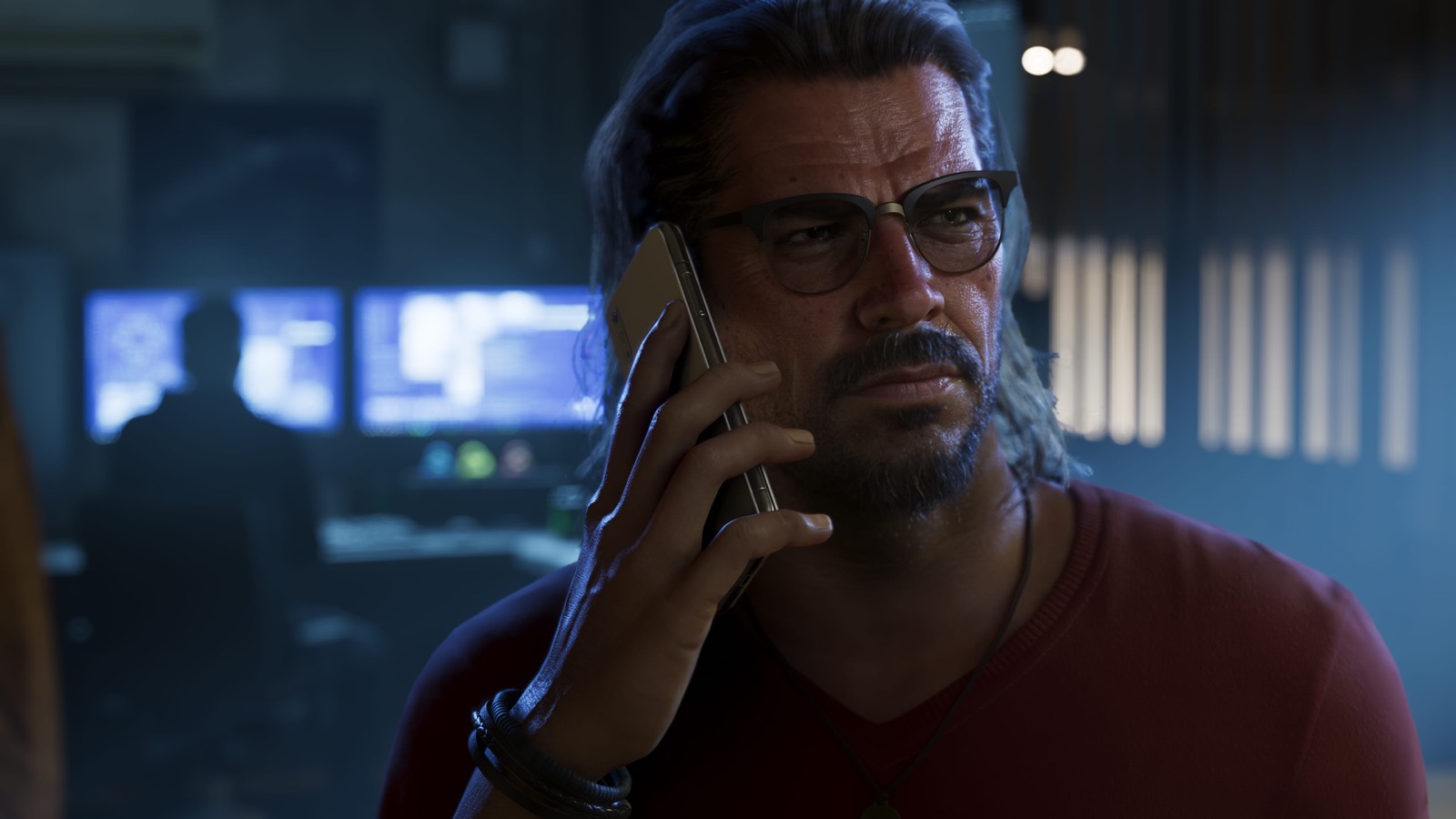
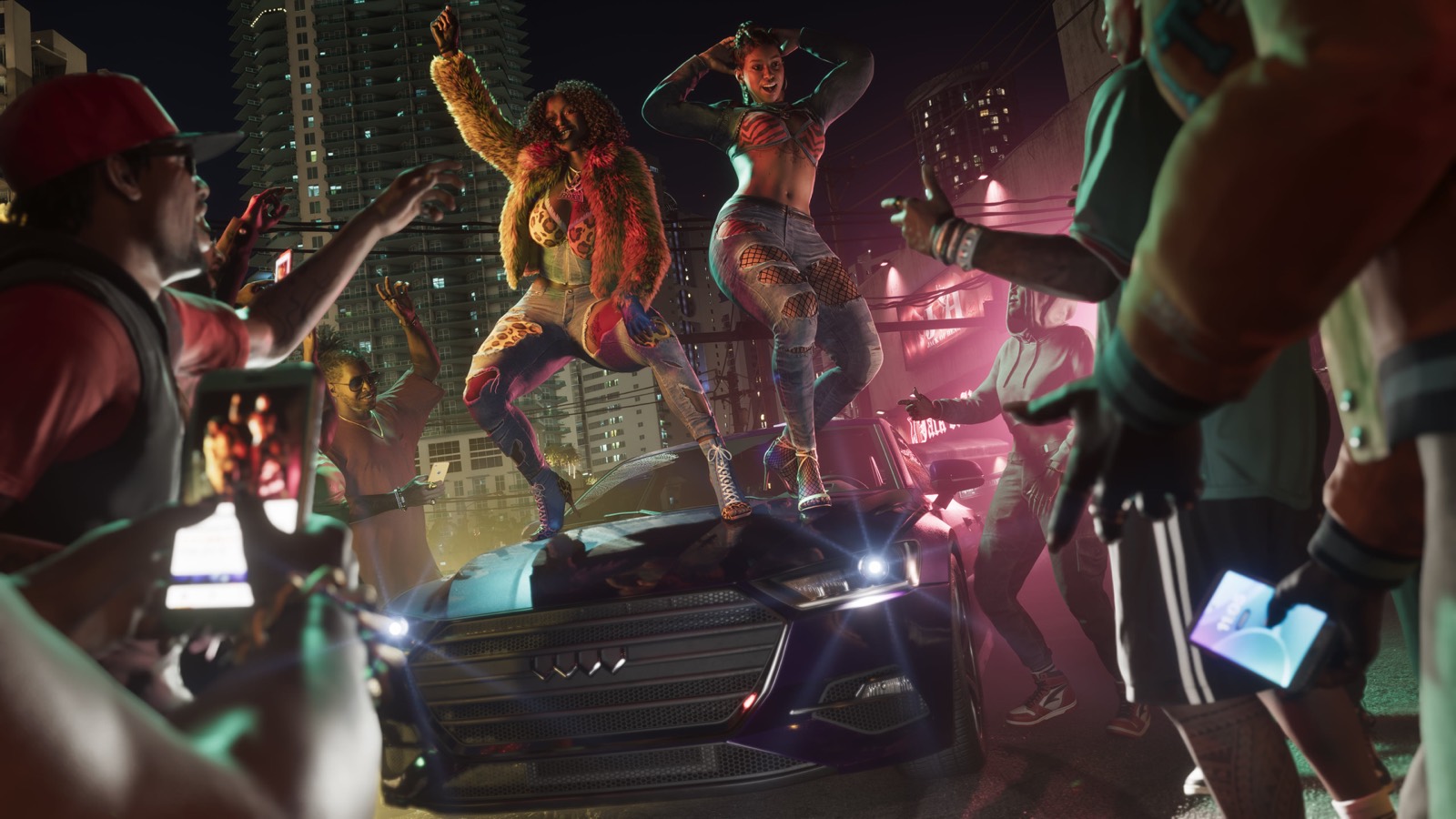
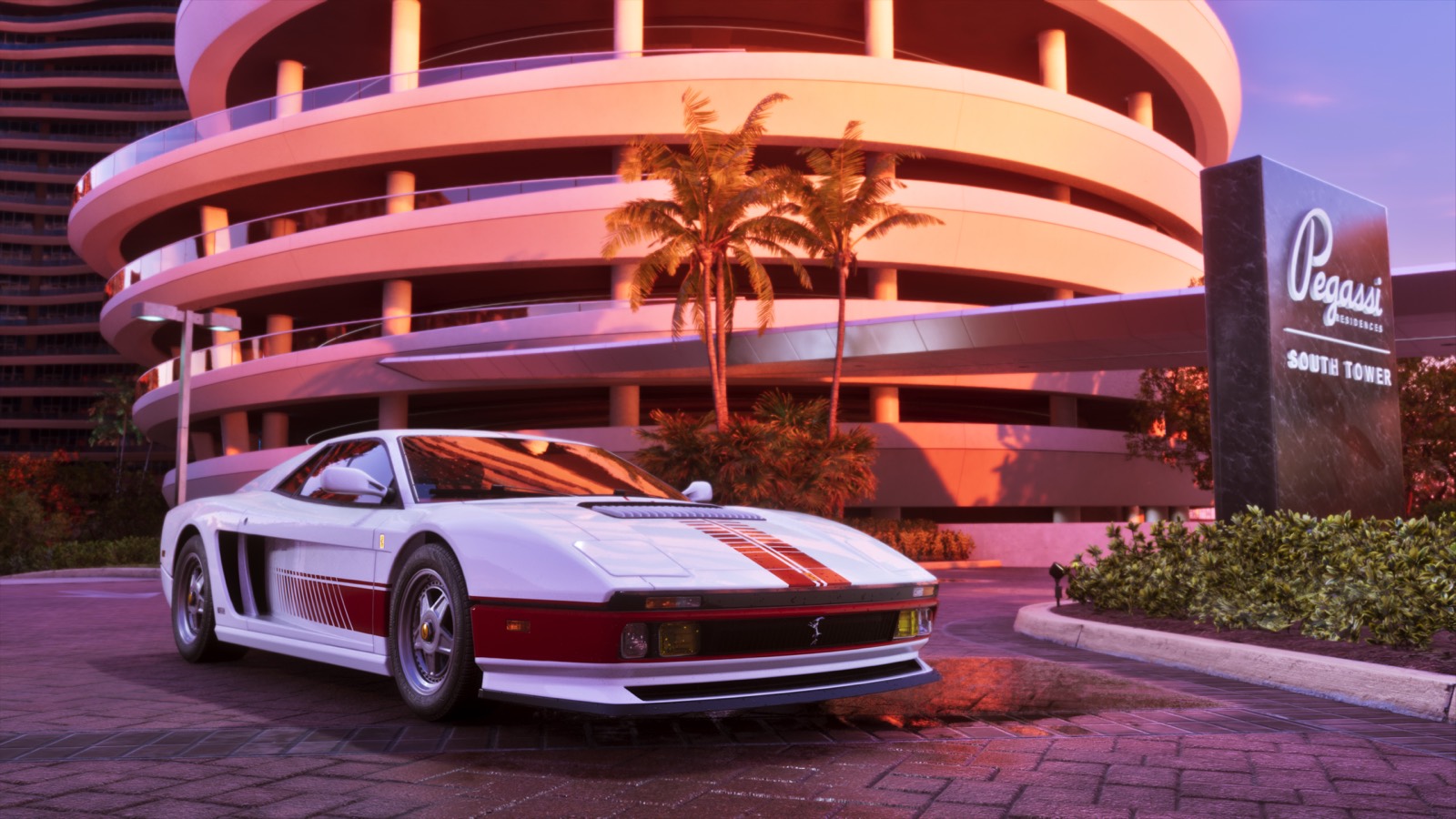
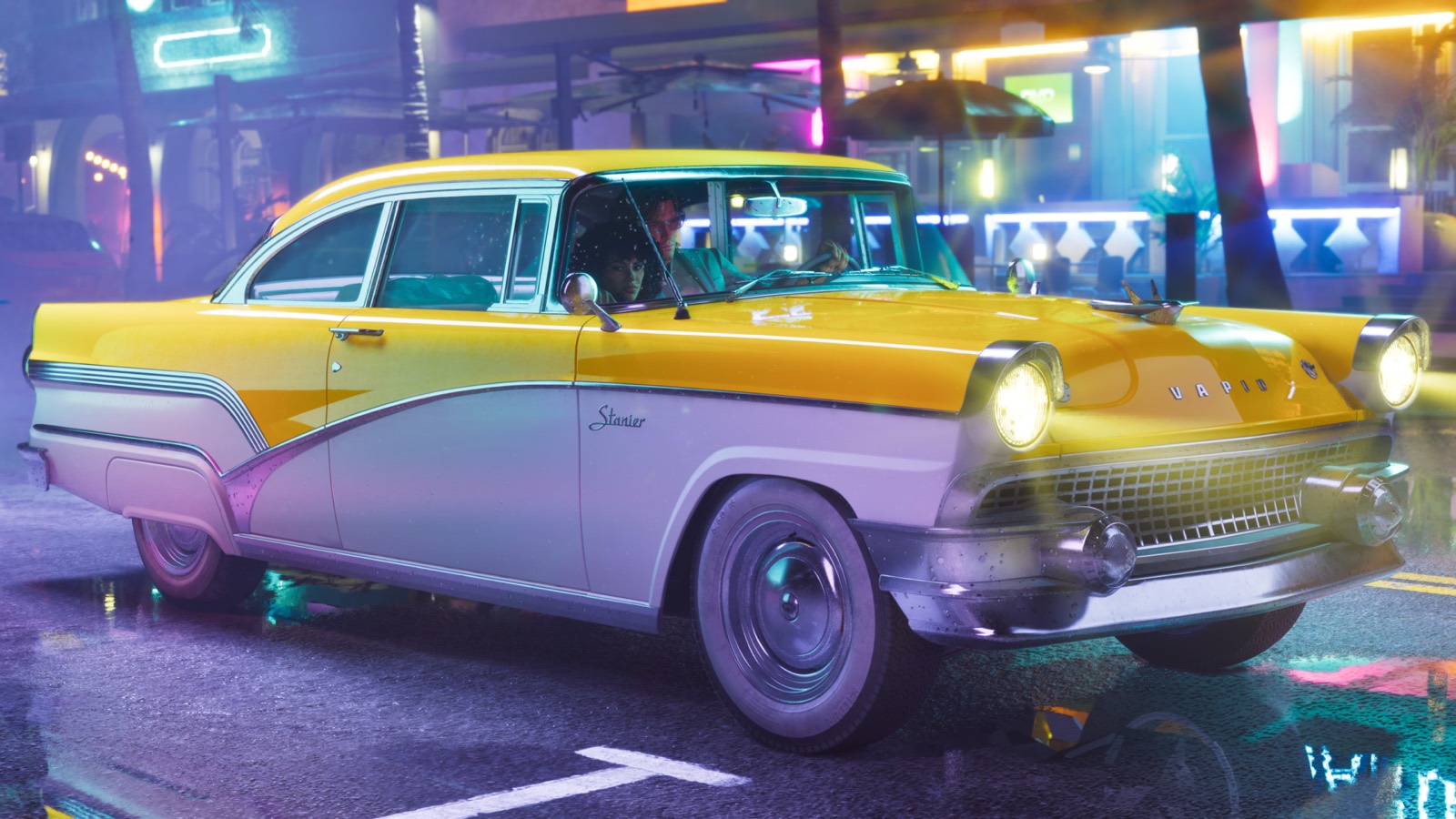
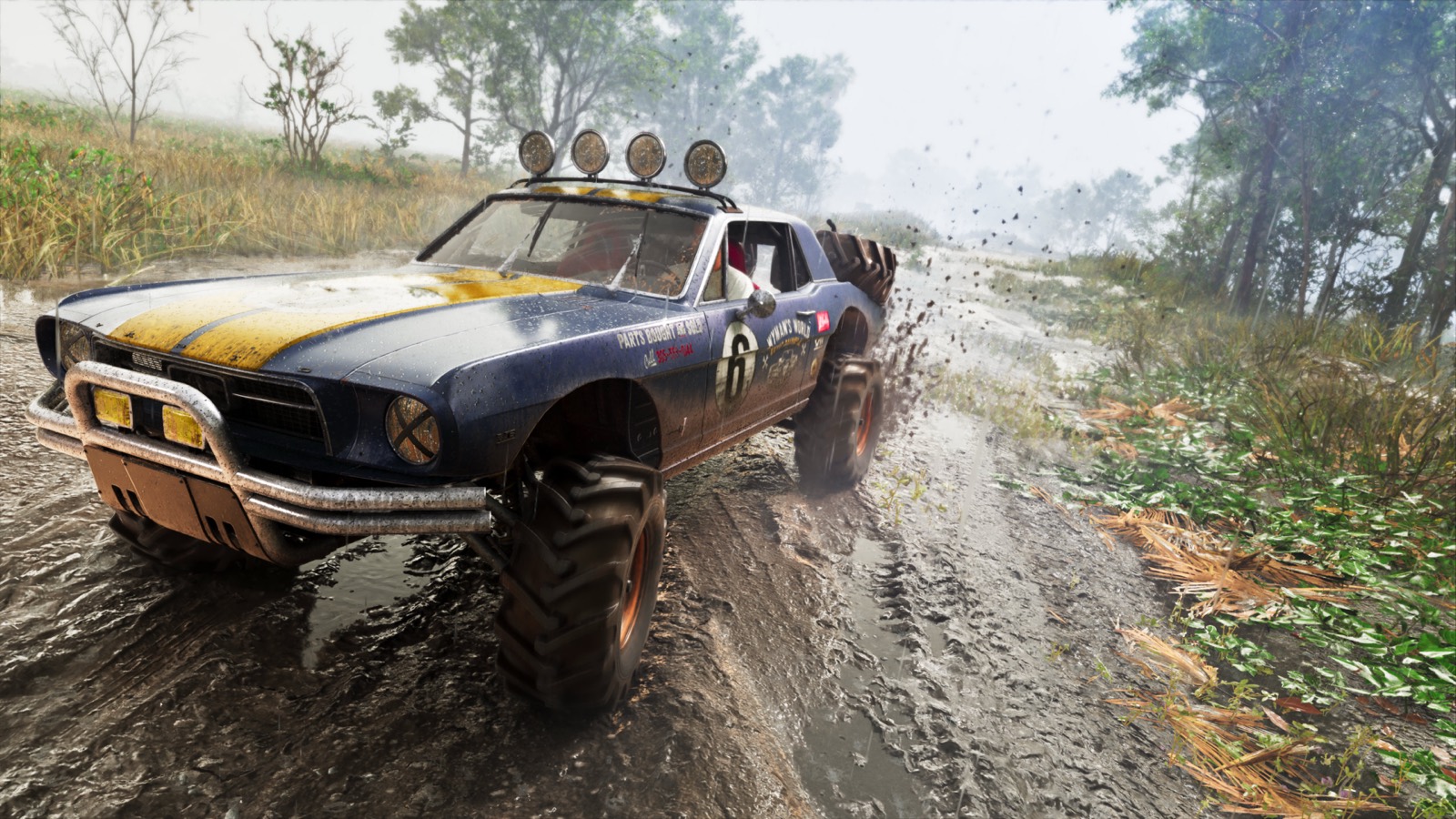
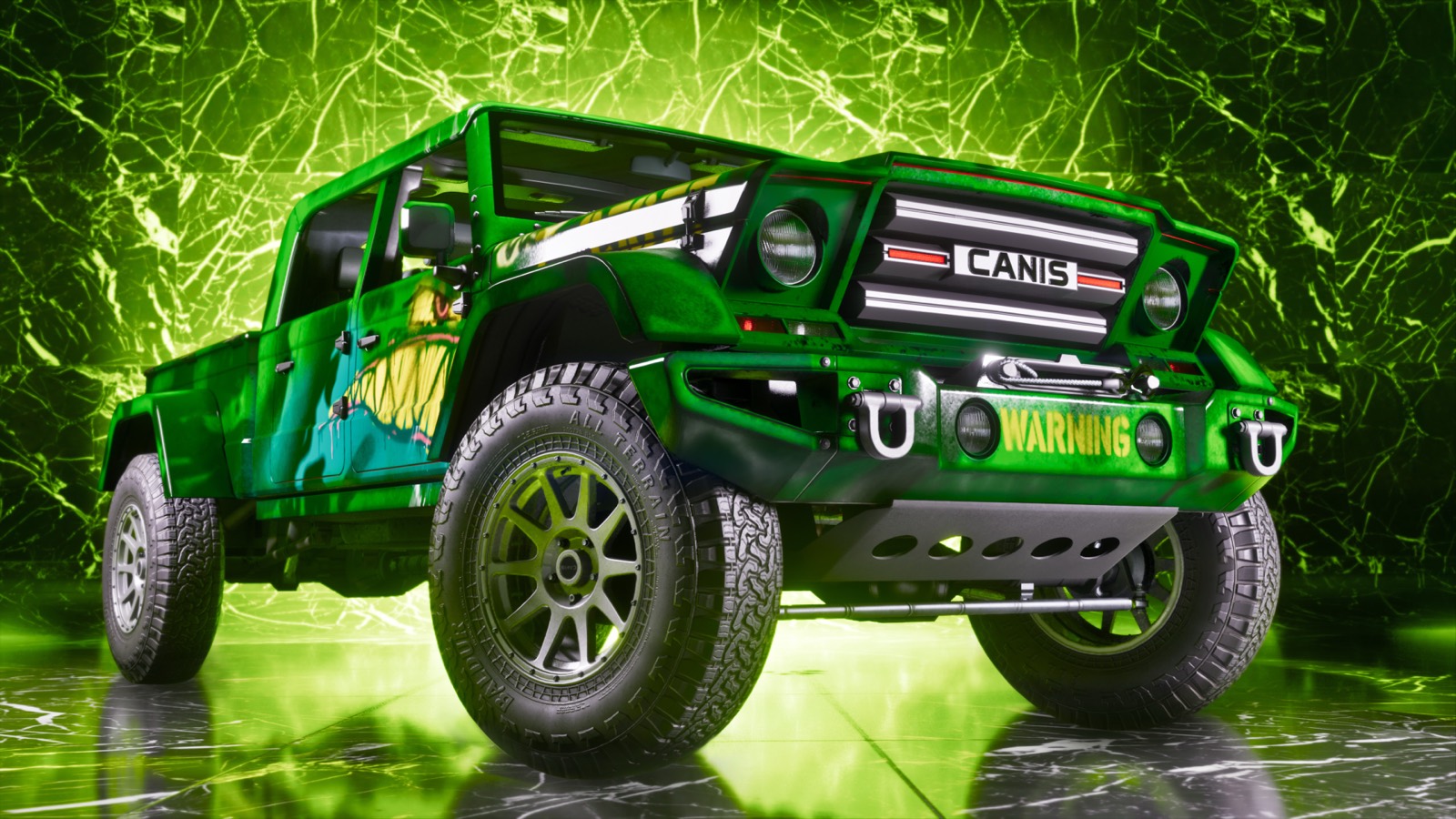
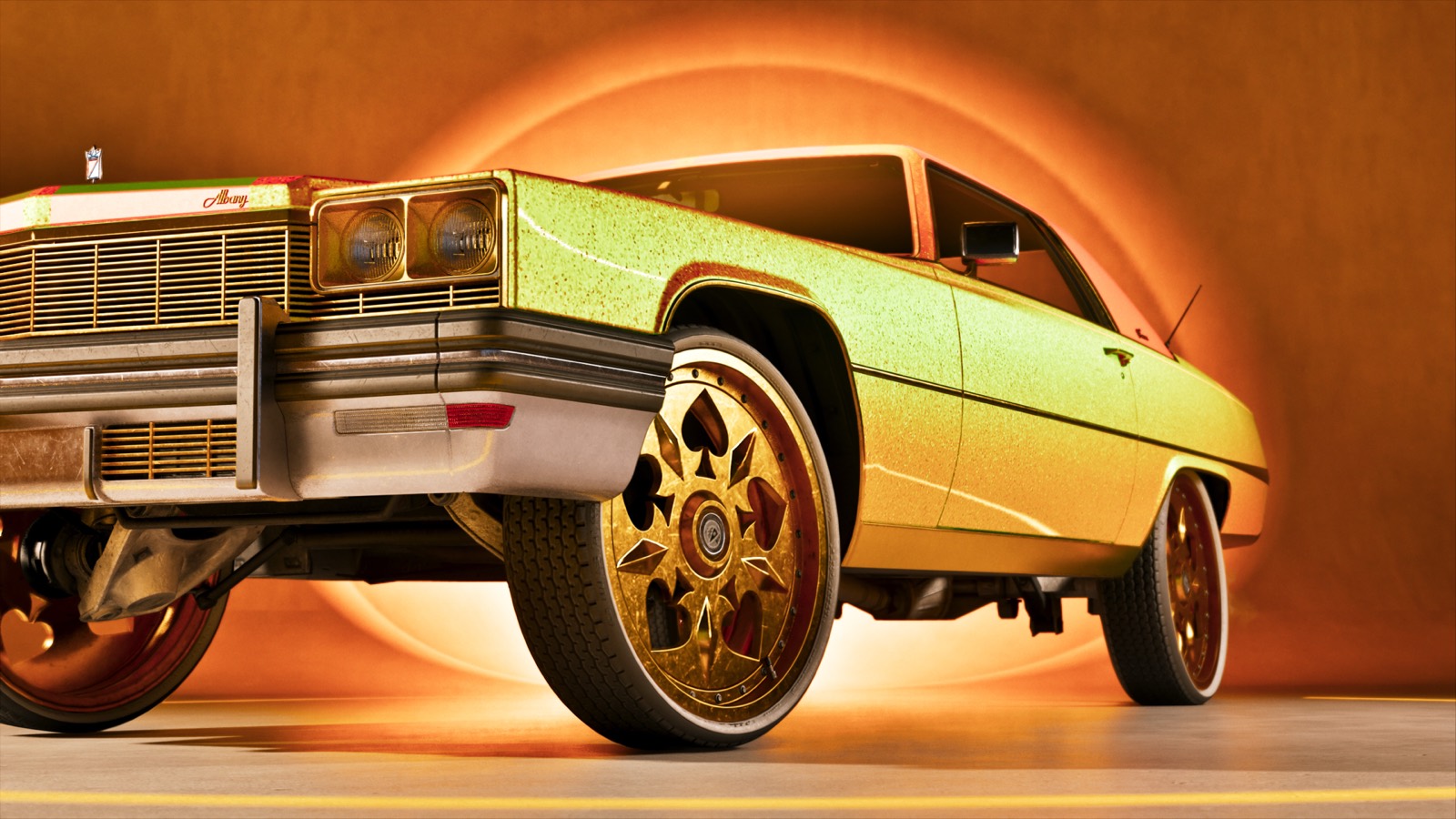
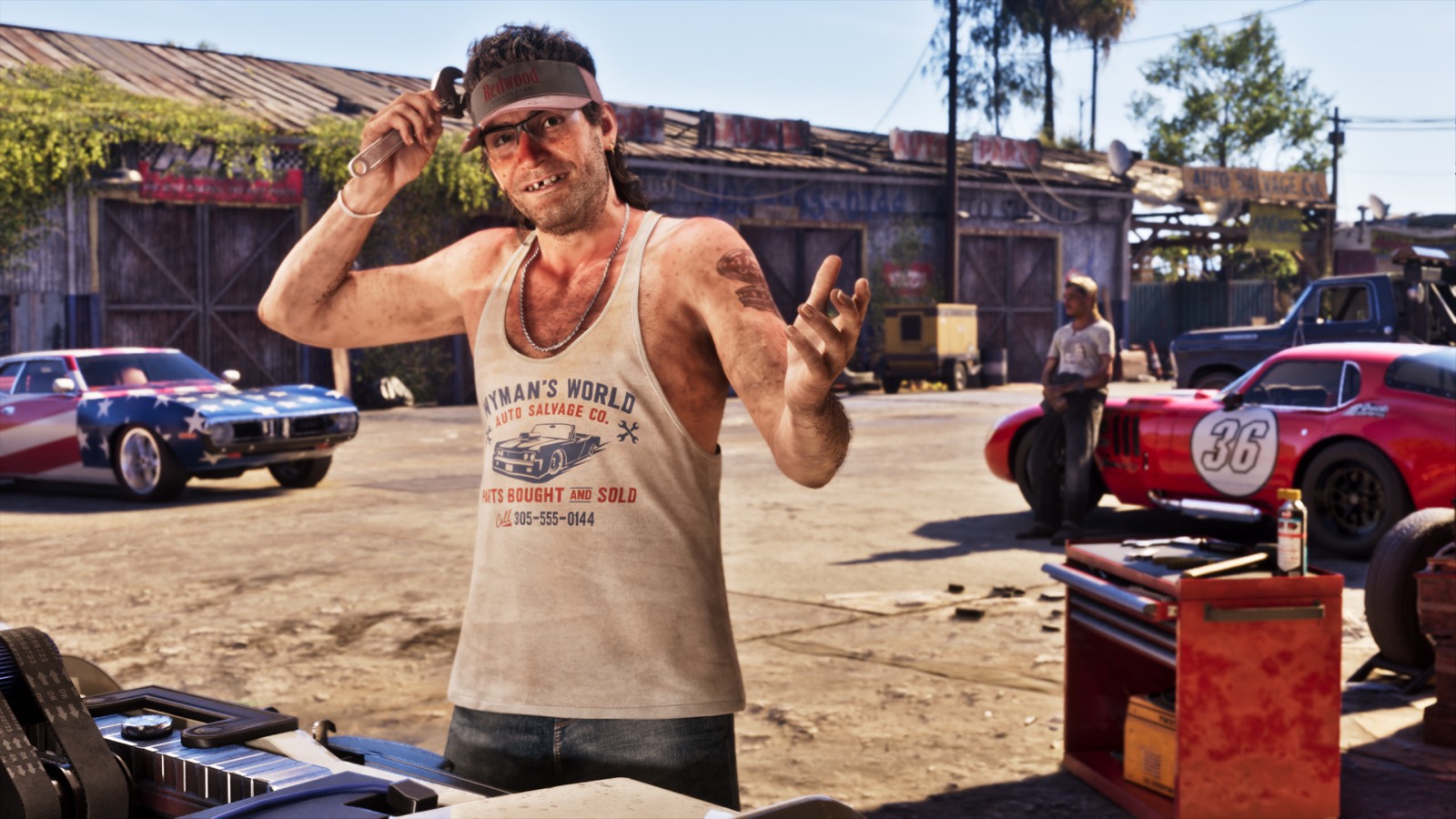
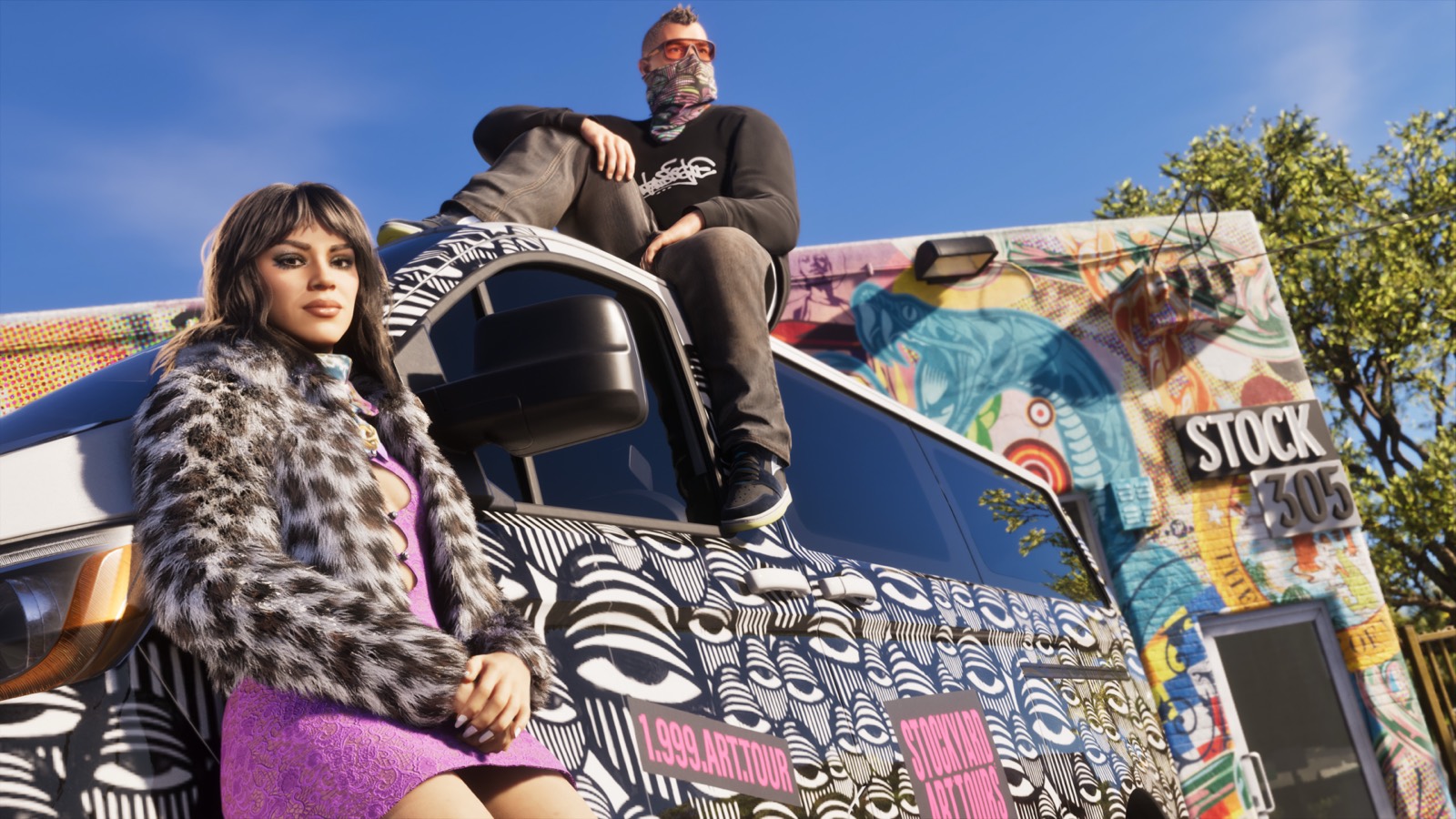
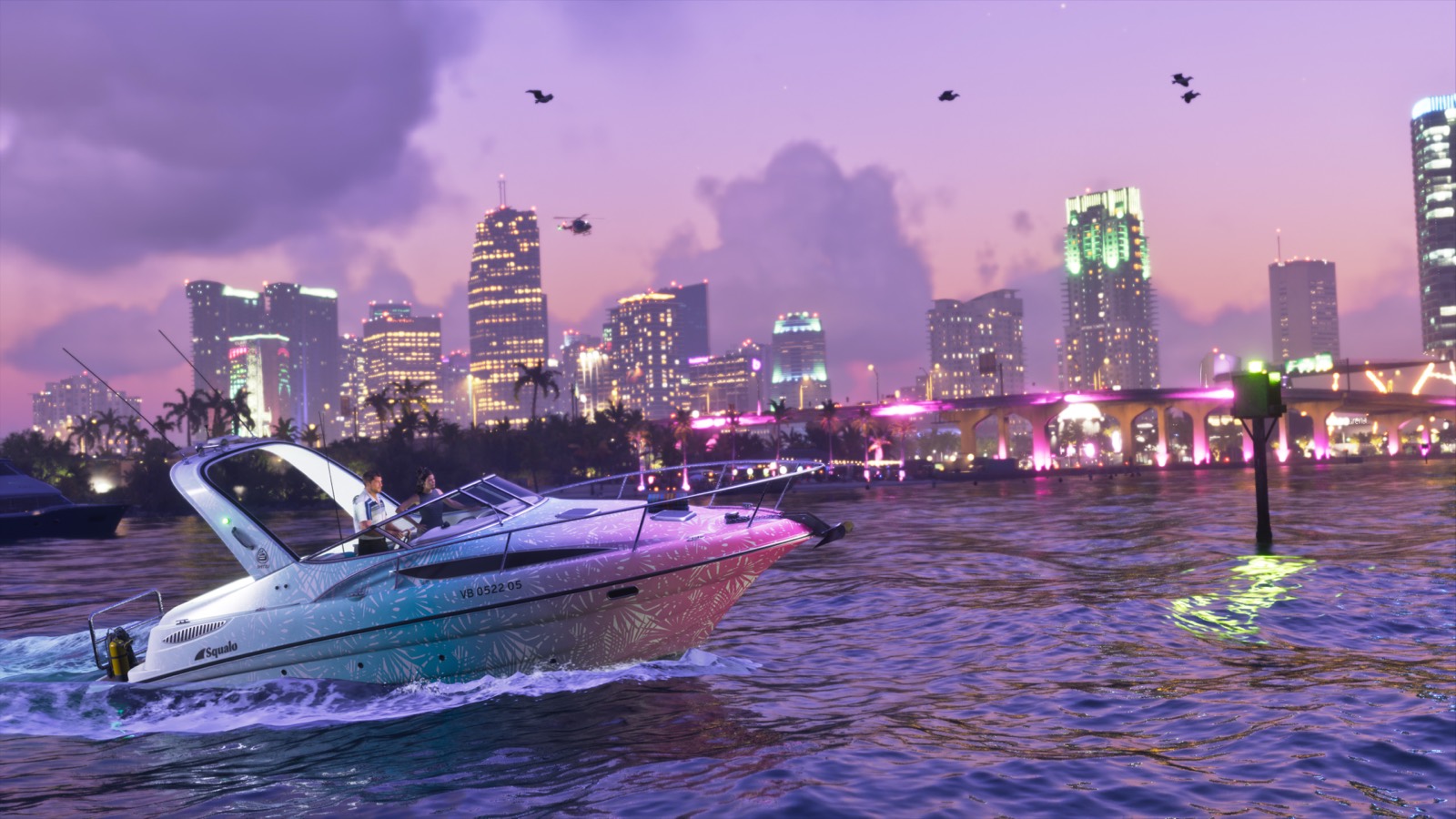
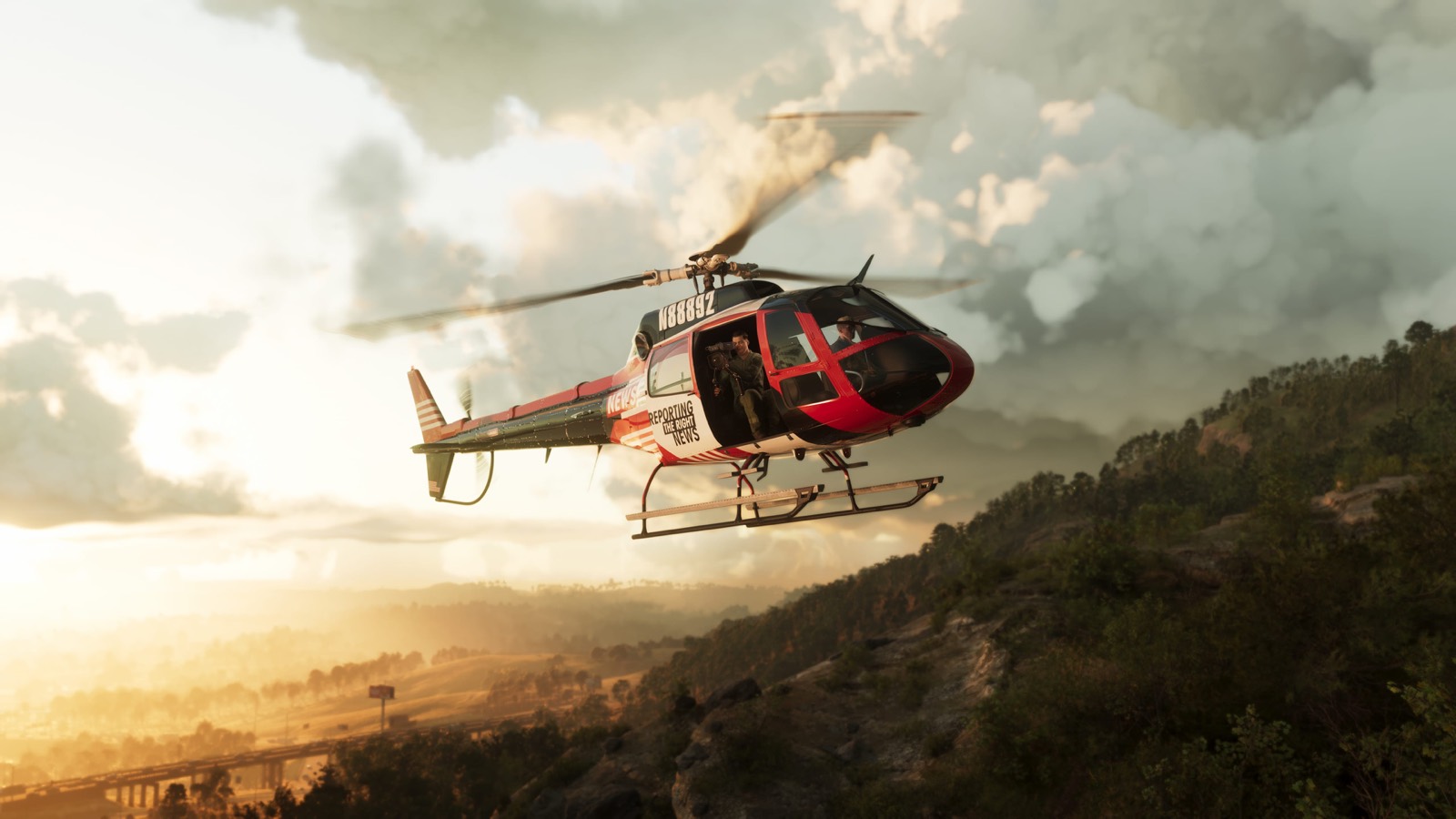
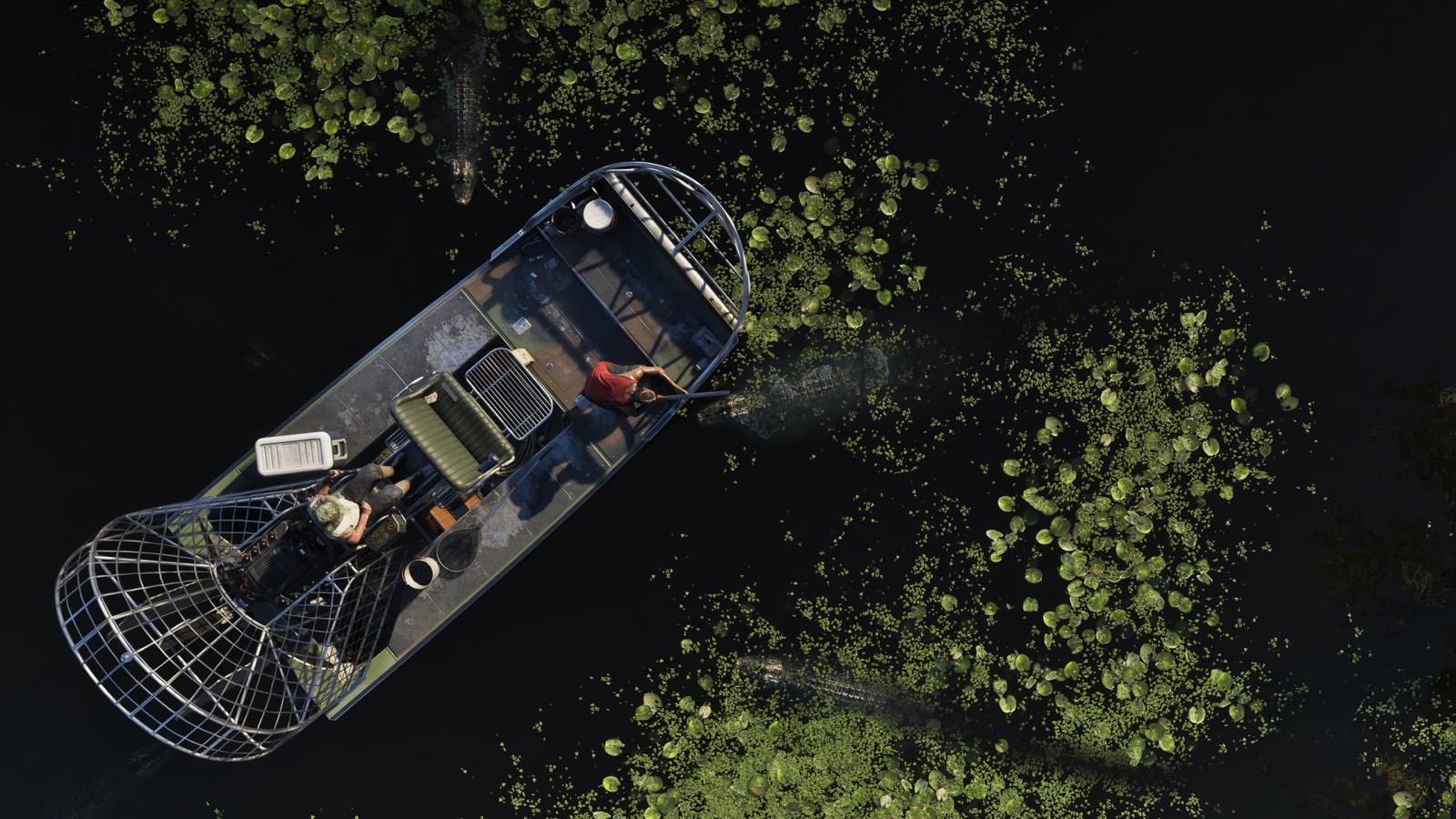
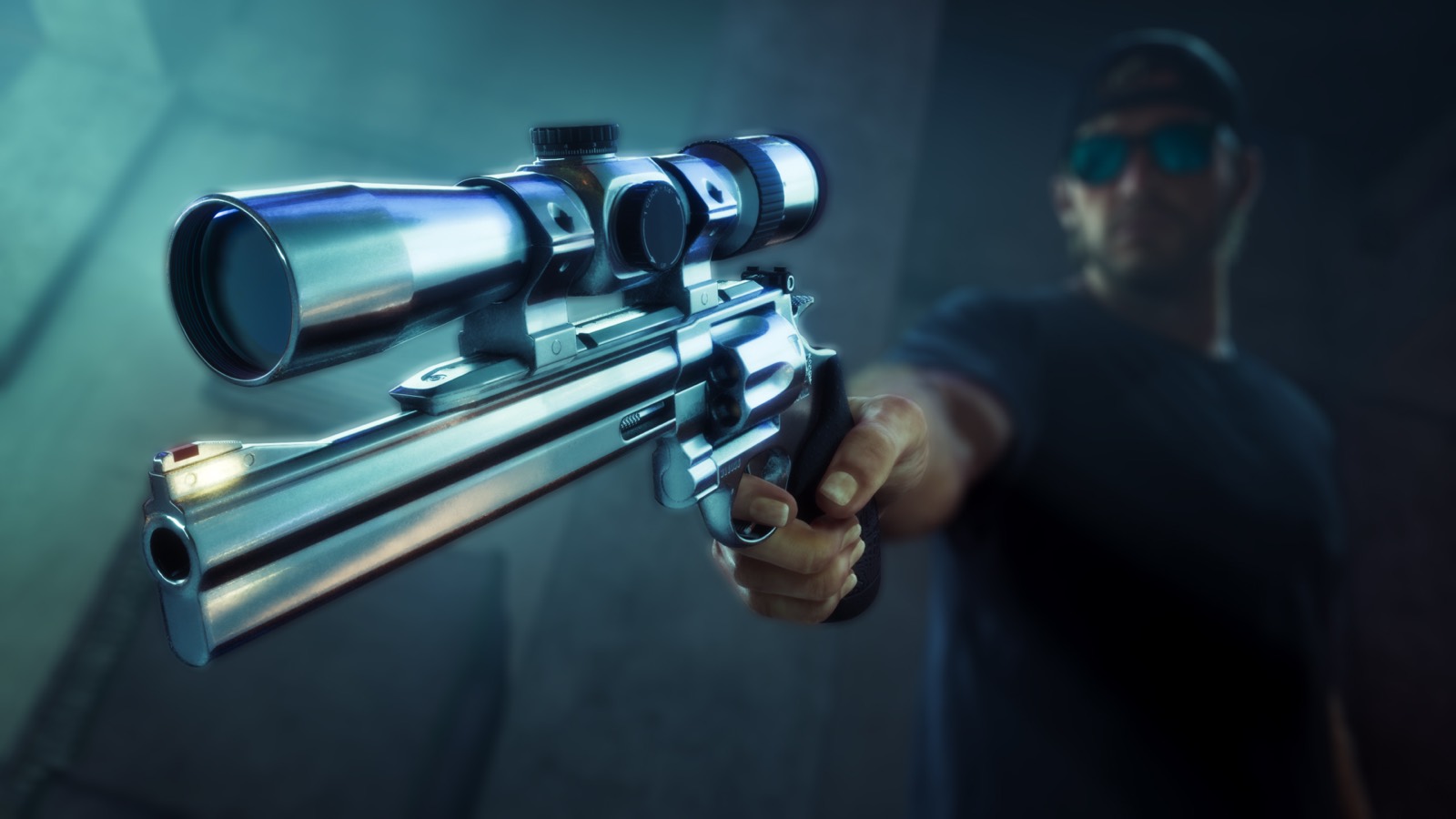
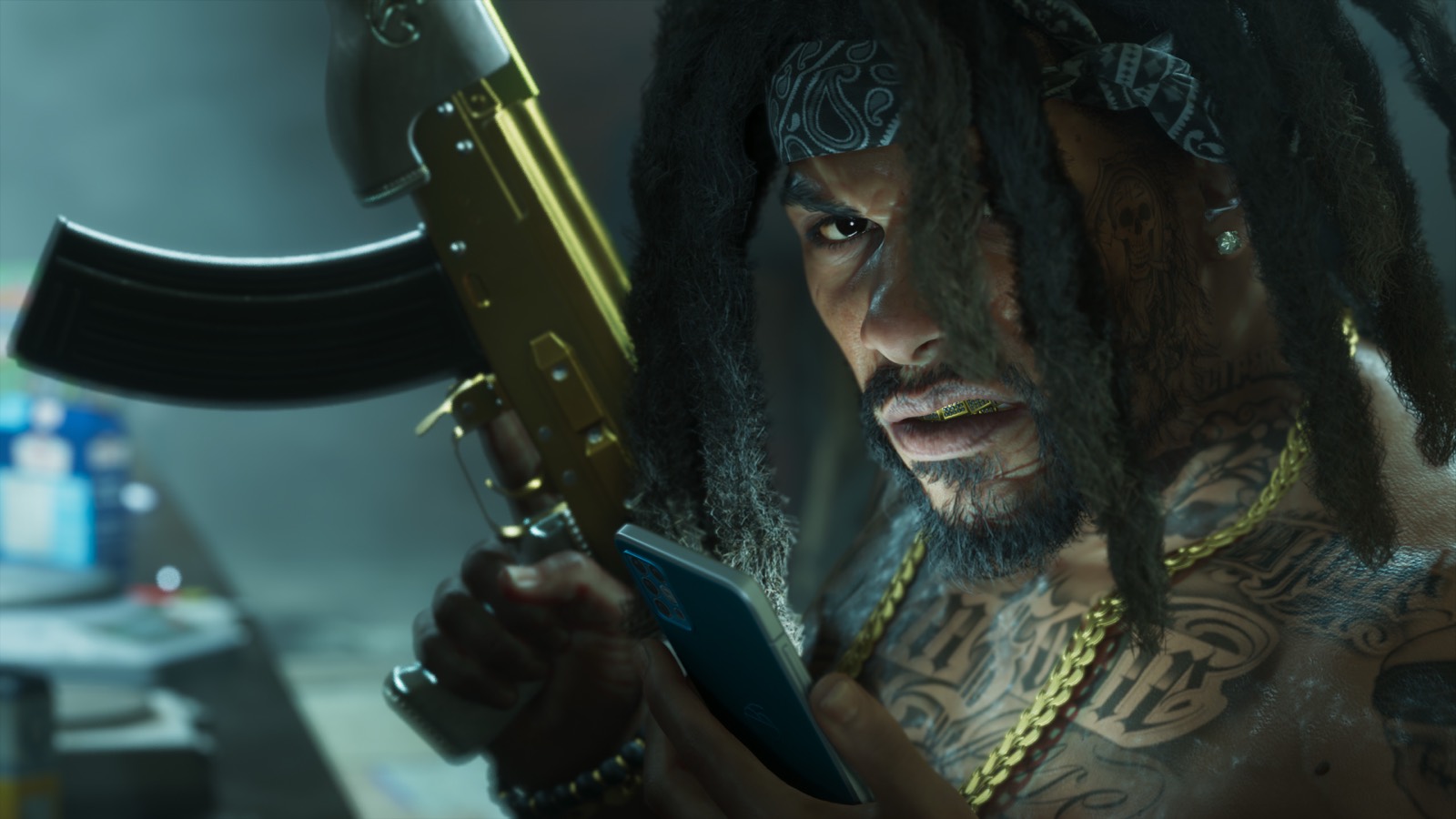
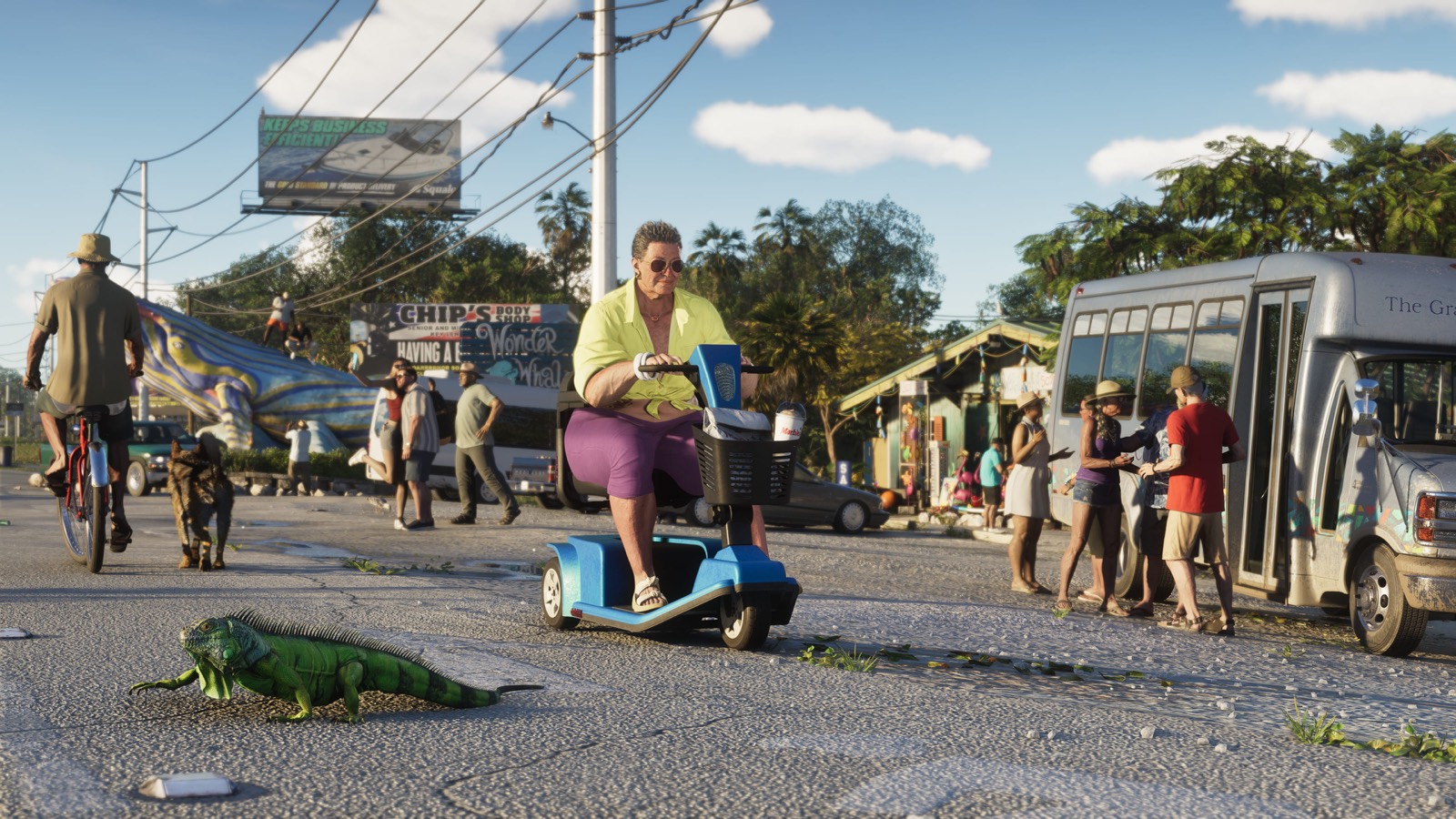
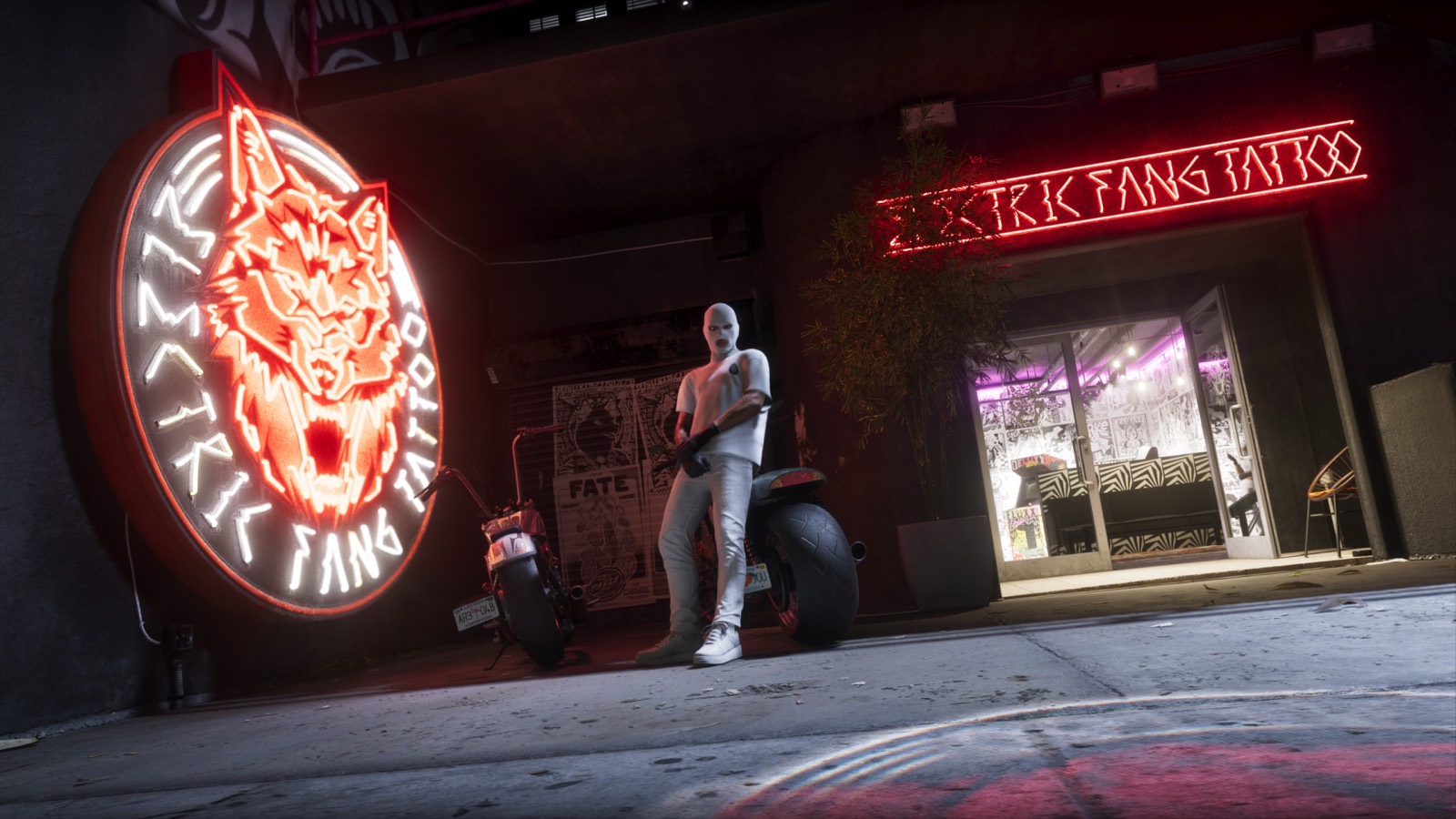
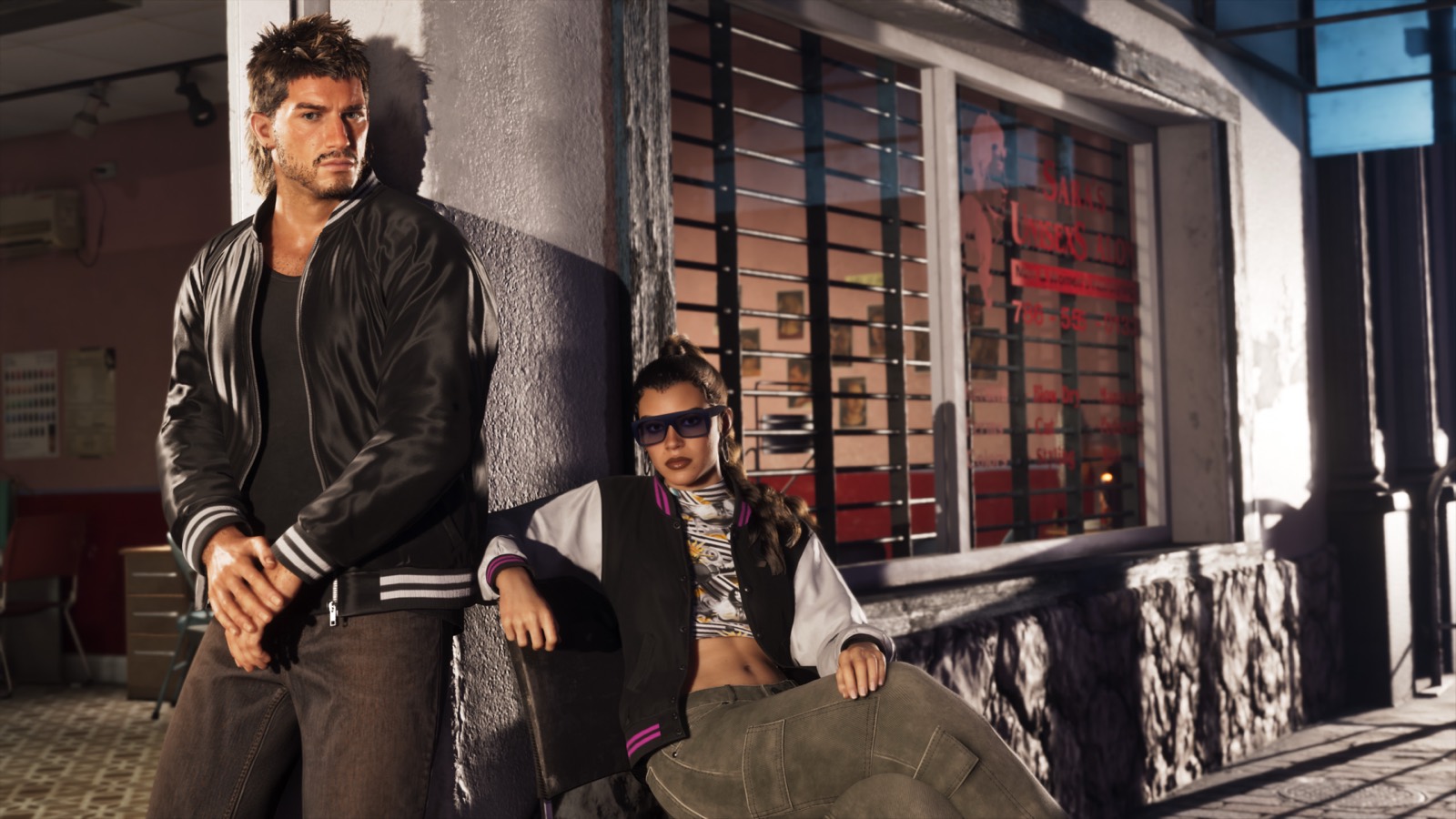
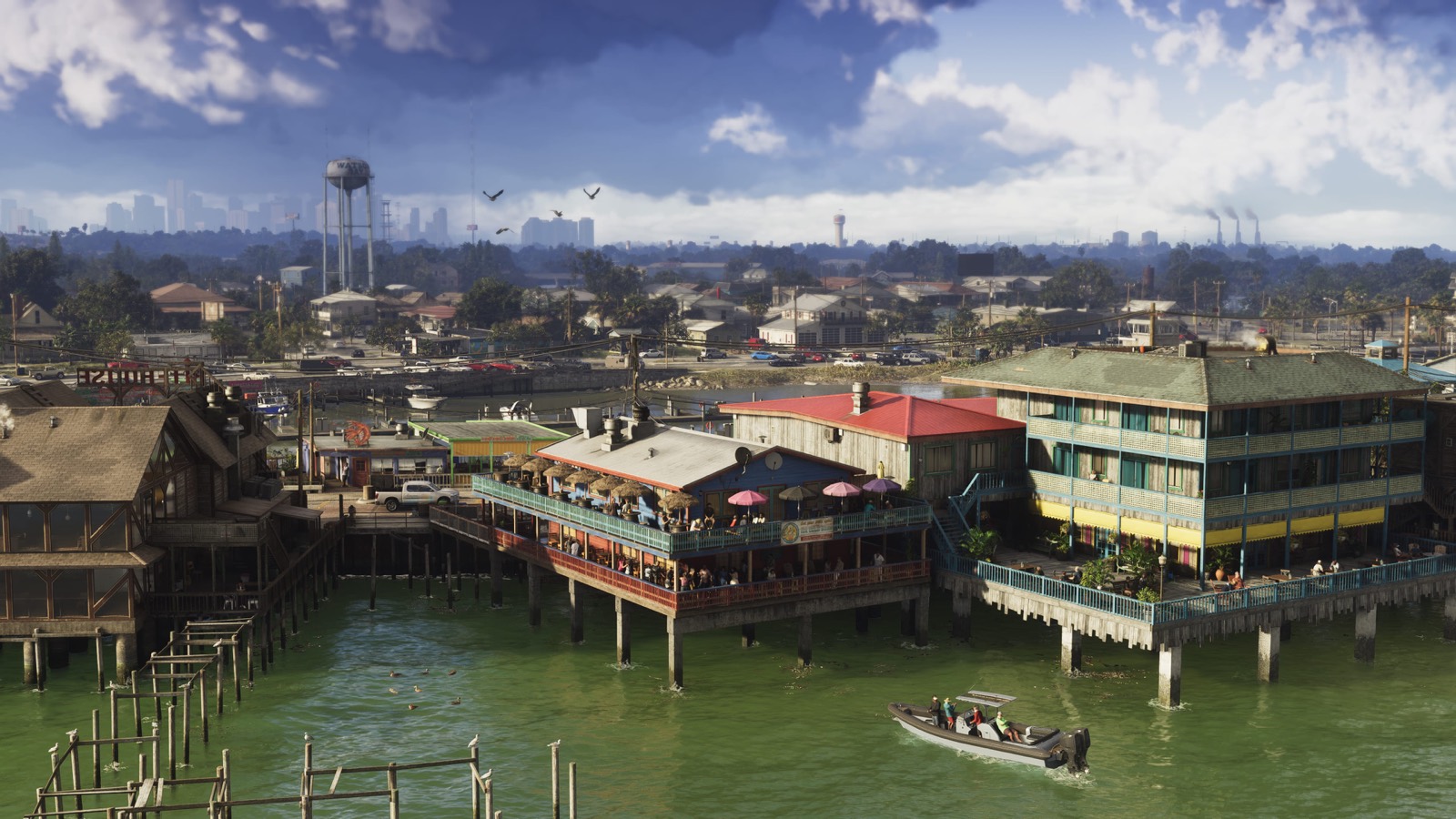
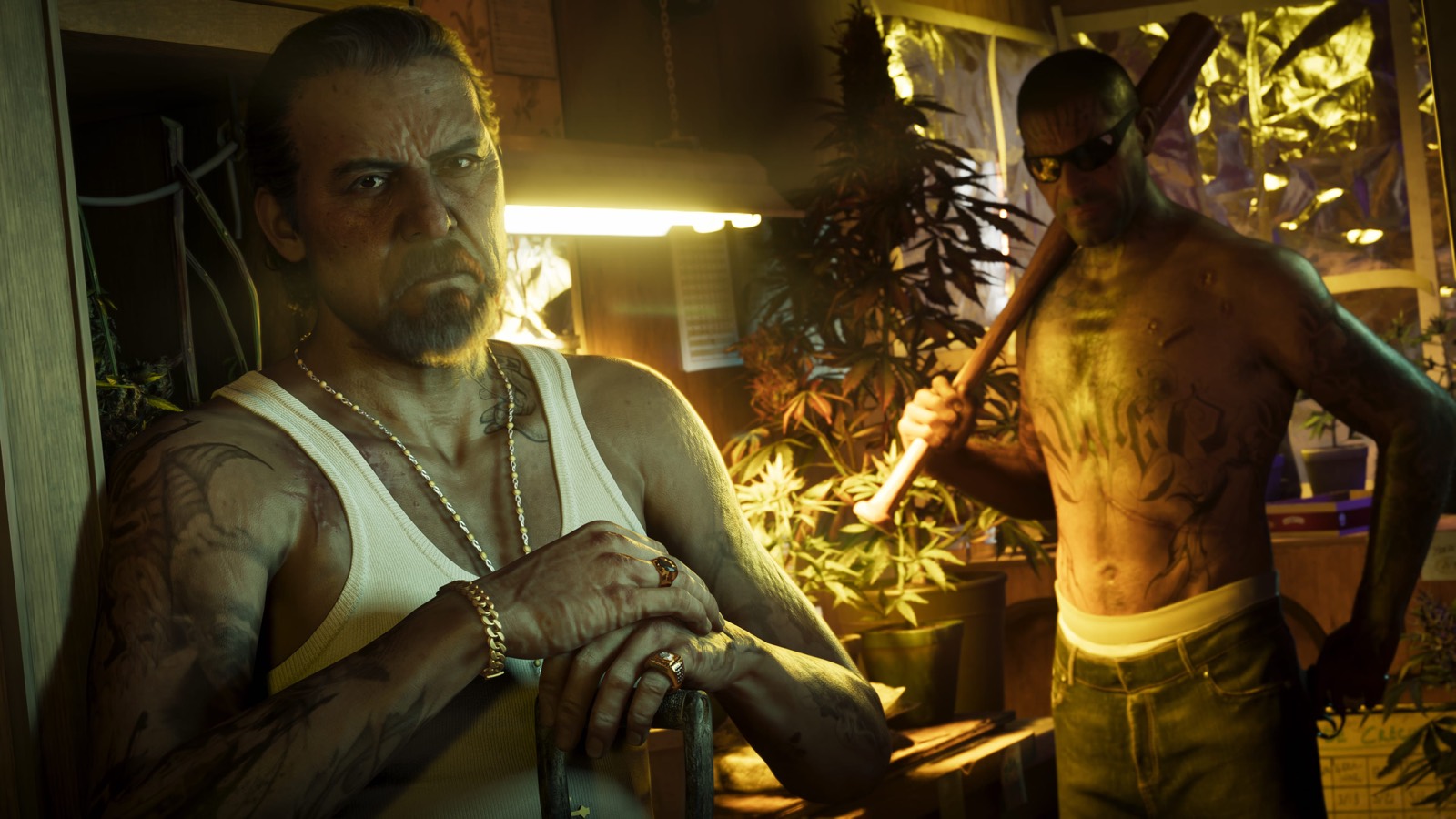
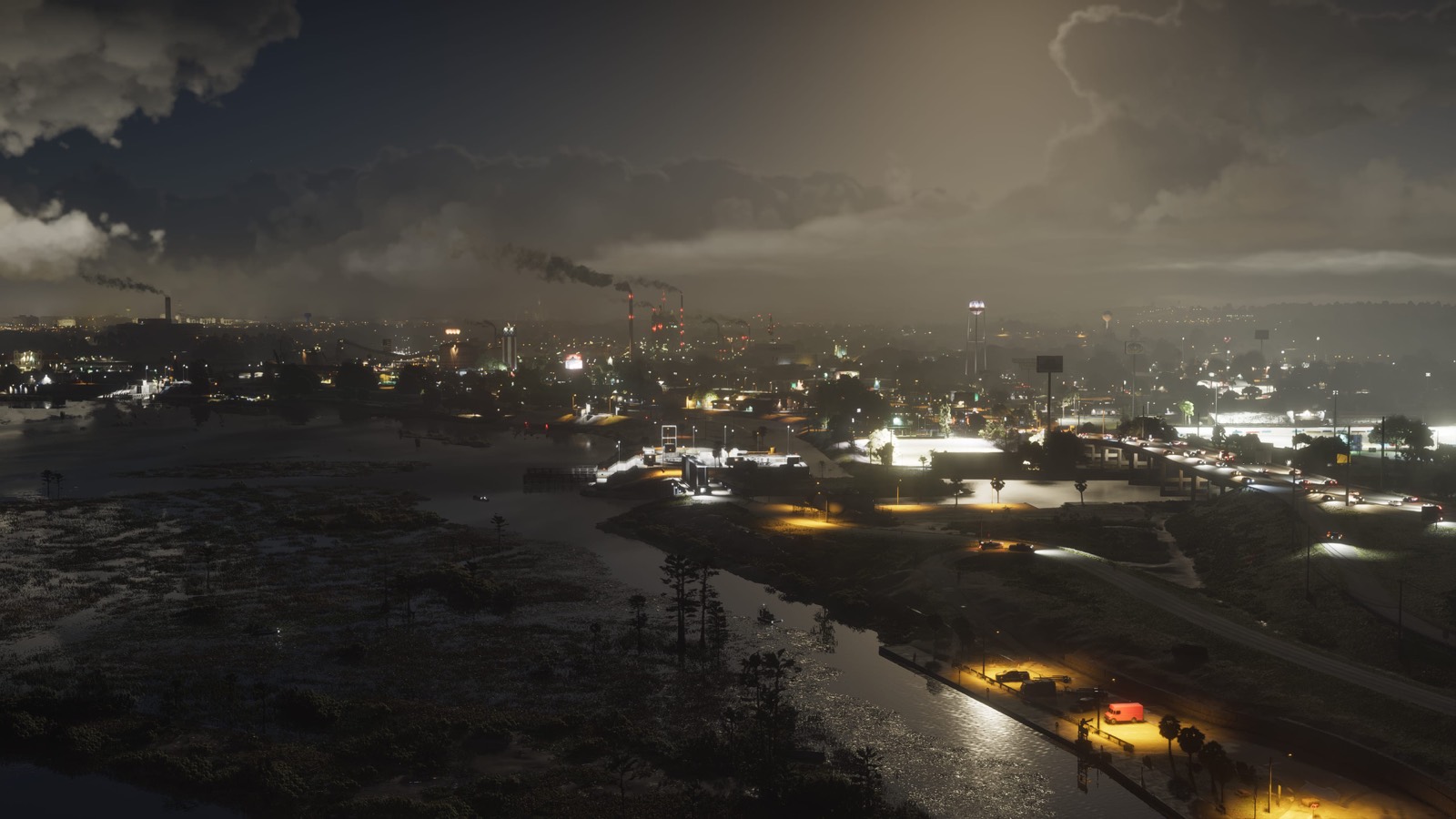
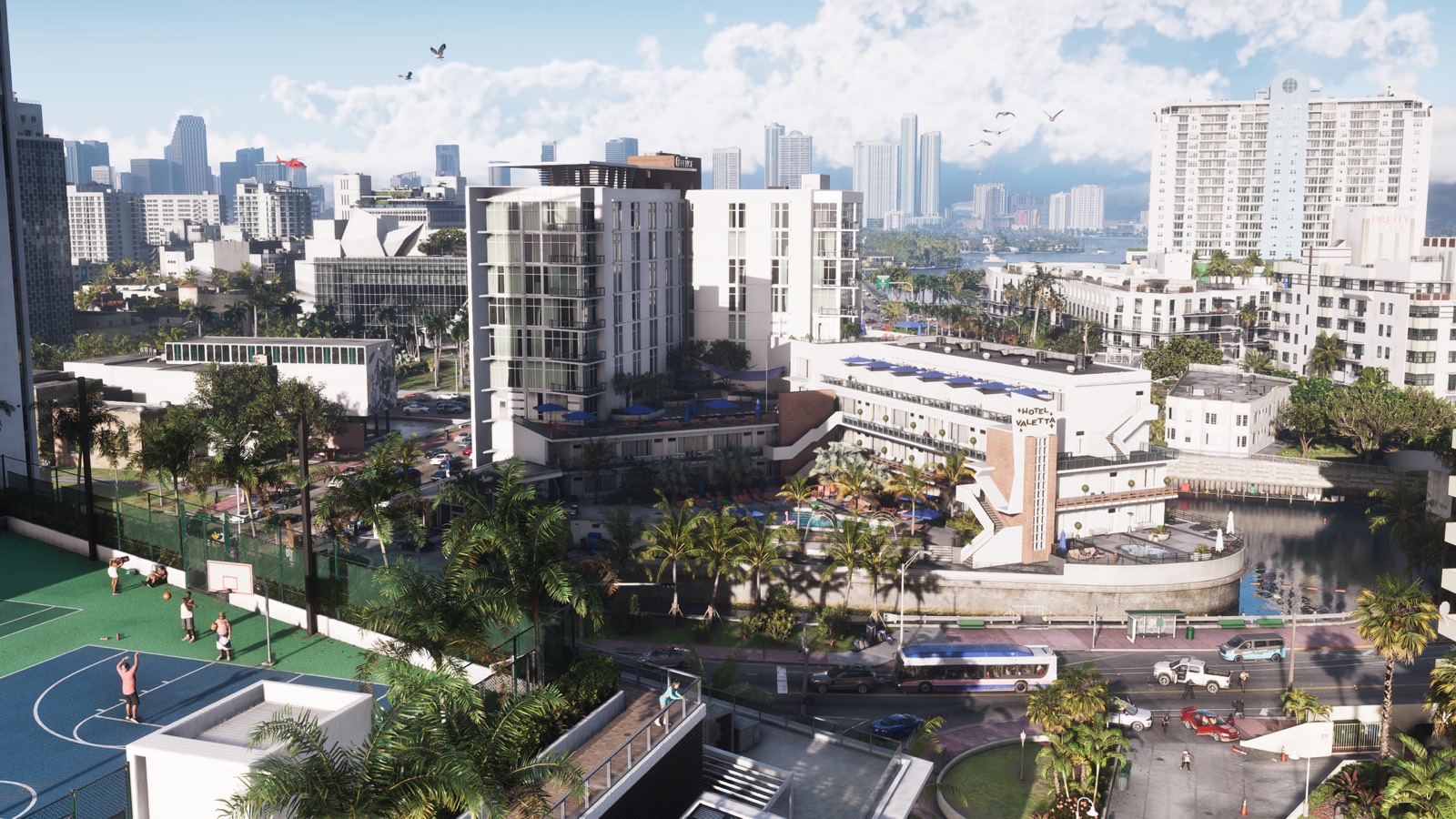
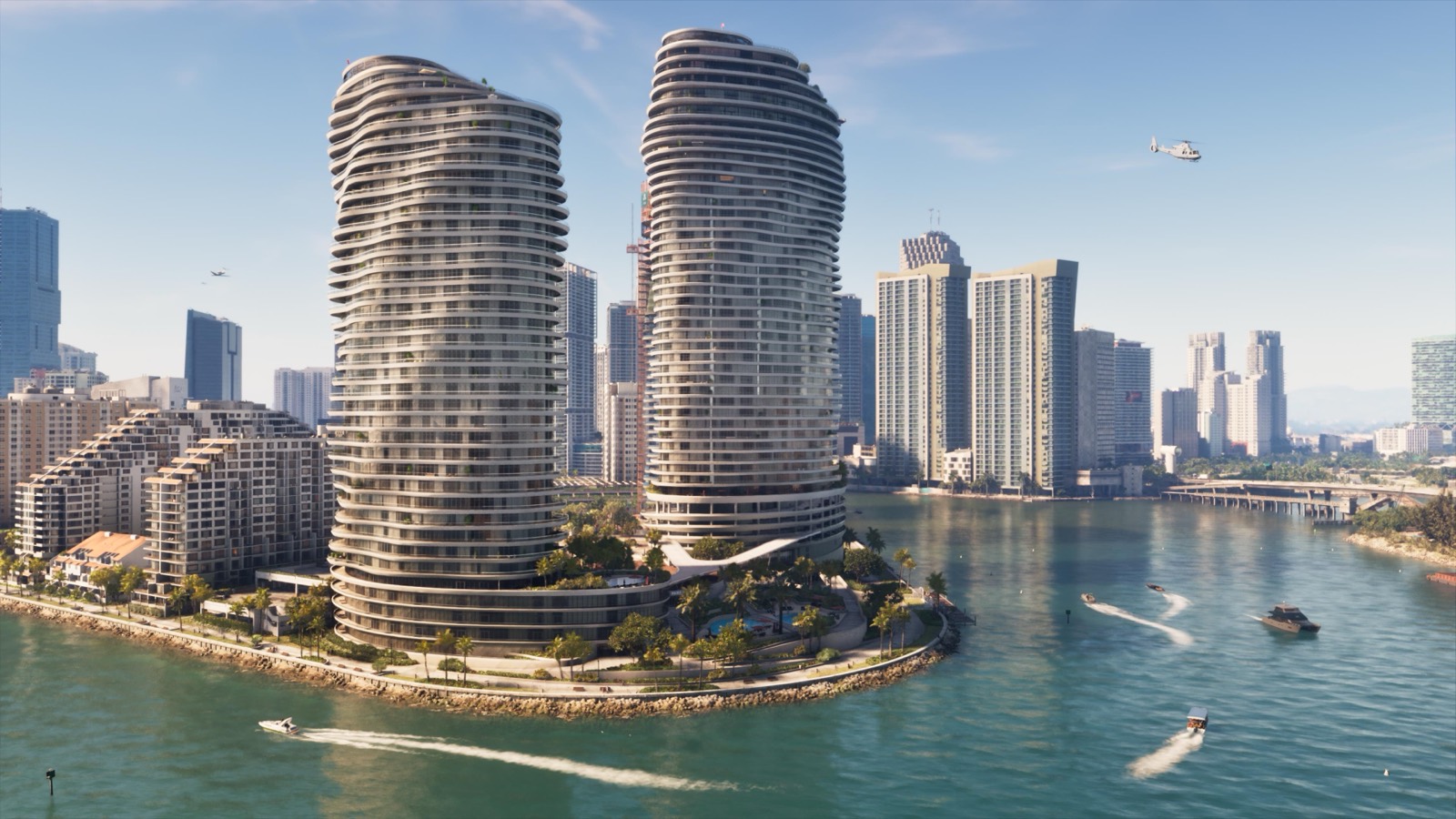
Image © Rockstar Games. These are Rockstar's images, from its own media page. Use them for your own wallpaper, not for anything you sell.
Where each picture is
The places in these screenshots are on our interactive map and in the regions of Leonida. The cars are in the vehicles database and the people in characters. For the screenshots Rockstar released at launch, see the launch gallery.
Questions
Where can I download GTA 6 wallpapers?
Rockstar's own GTA VI downloads page has the official artwork and wallpapers, some in several sizes up to 4K. This page has every screenshot we use on the site at 1600×900, with a download button in the viewer.
Can I use GTA 6 screenshots as my wallpaper?
Rockstar publishes these images on its own media page for fans. They belong to Rockstar Games, so keep it to your own phone or desktop and don't sell them or use them in ads.
Are there GTA 6 phone wallpapers?
Rockstar's artwork comes in a few sizes, and some fit phones. For a screenshot from this page, open it in the viewer and crop it on your phone to the part you like.